![[MLO] Vagos Savehouse Interior [Add-On SP / FiveM]](https://img.gta5-mods.com/q75-w500-h333-cfill/images/vagos-savehouse-1-0-0-mlo/20e132-GTA5_2019_07_18_10_47_02_668.jpg "[MLO] Vagos Savehouse Interior [Add-On SP / FiveM]")


![The Street Gangs 2026 [OIV]](https://img.gta5-mods.com/q75-w500-h333-cfill/images/the-street-gangs-2026/20760f-26.jpg "The Street Gangs 2026 [OIV]")










3 773 121
6 567
3 773 121
6 567
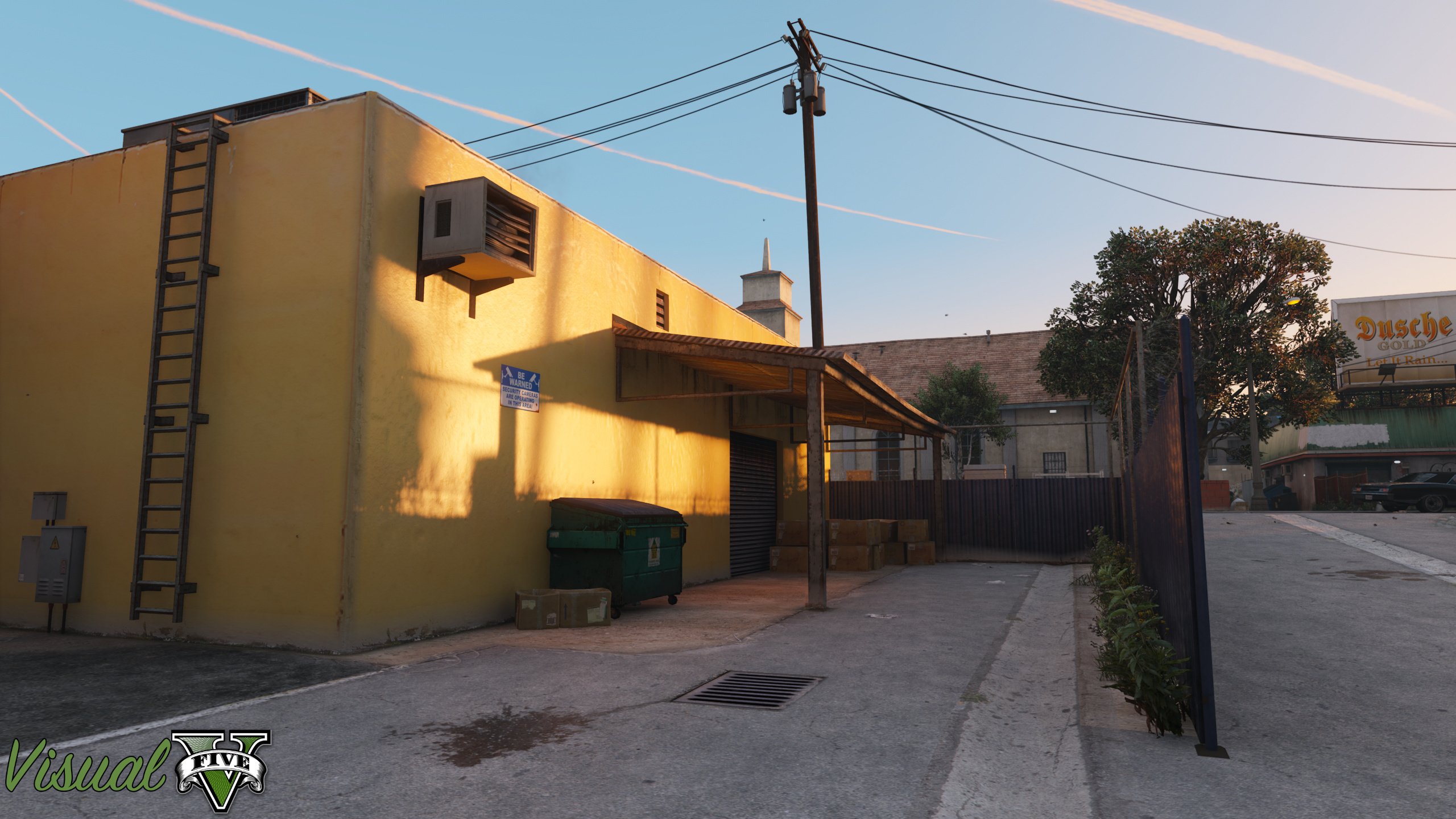
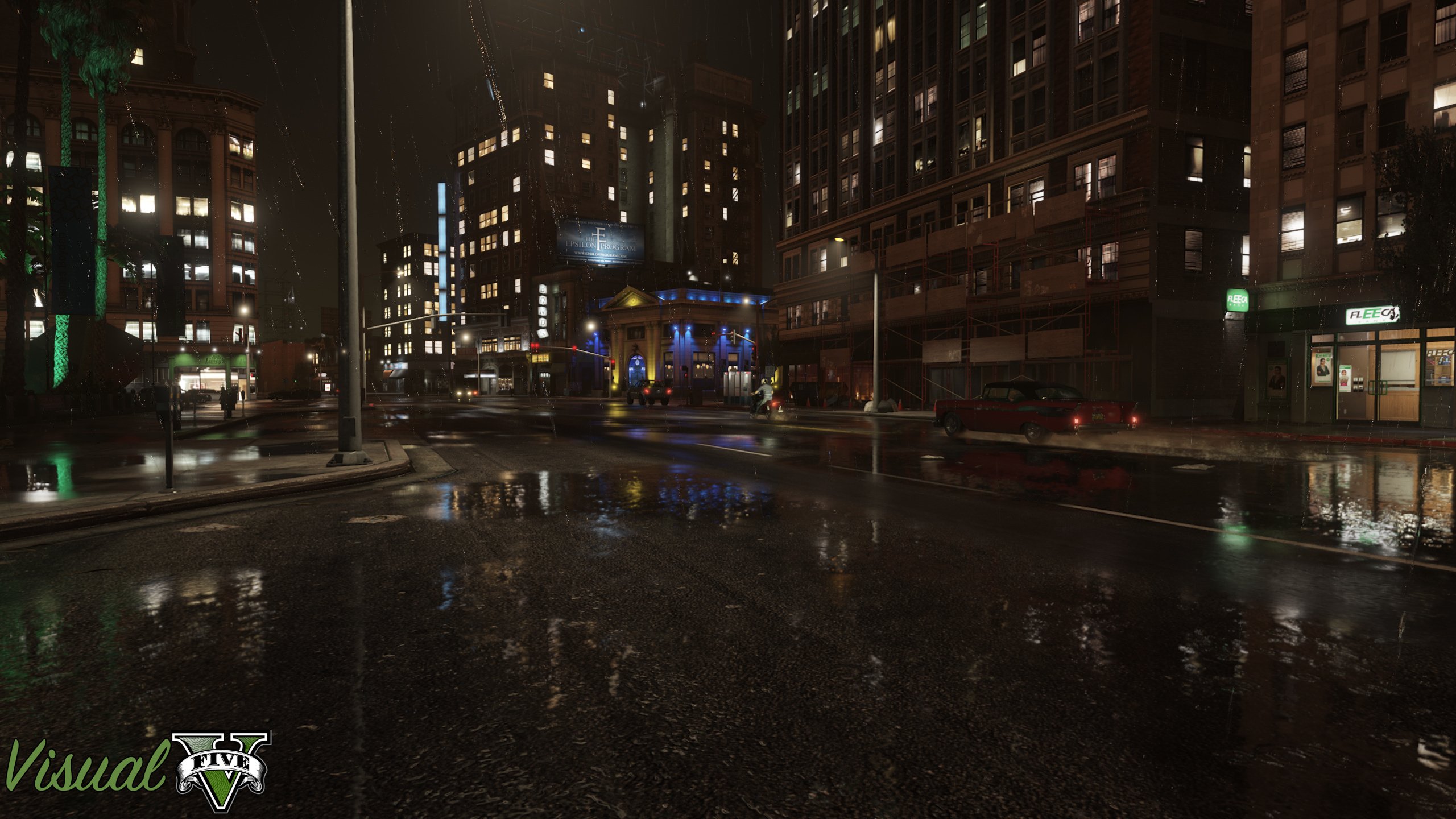
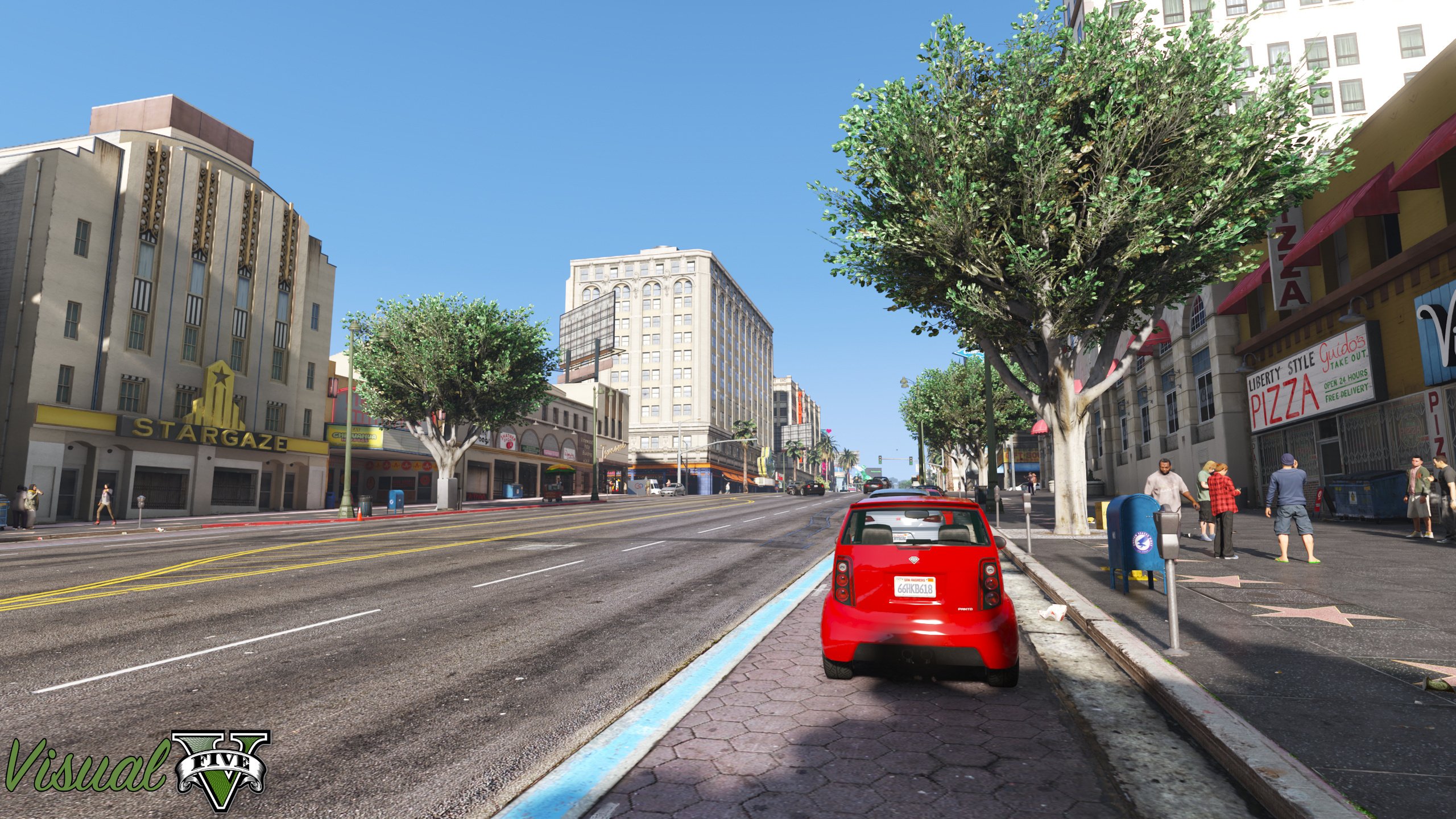
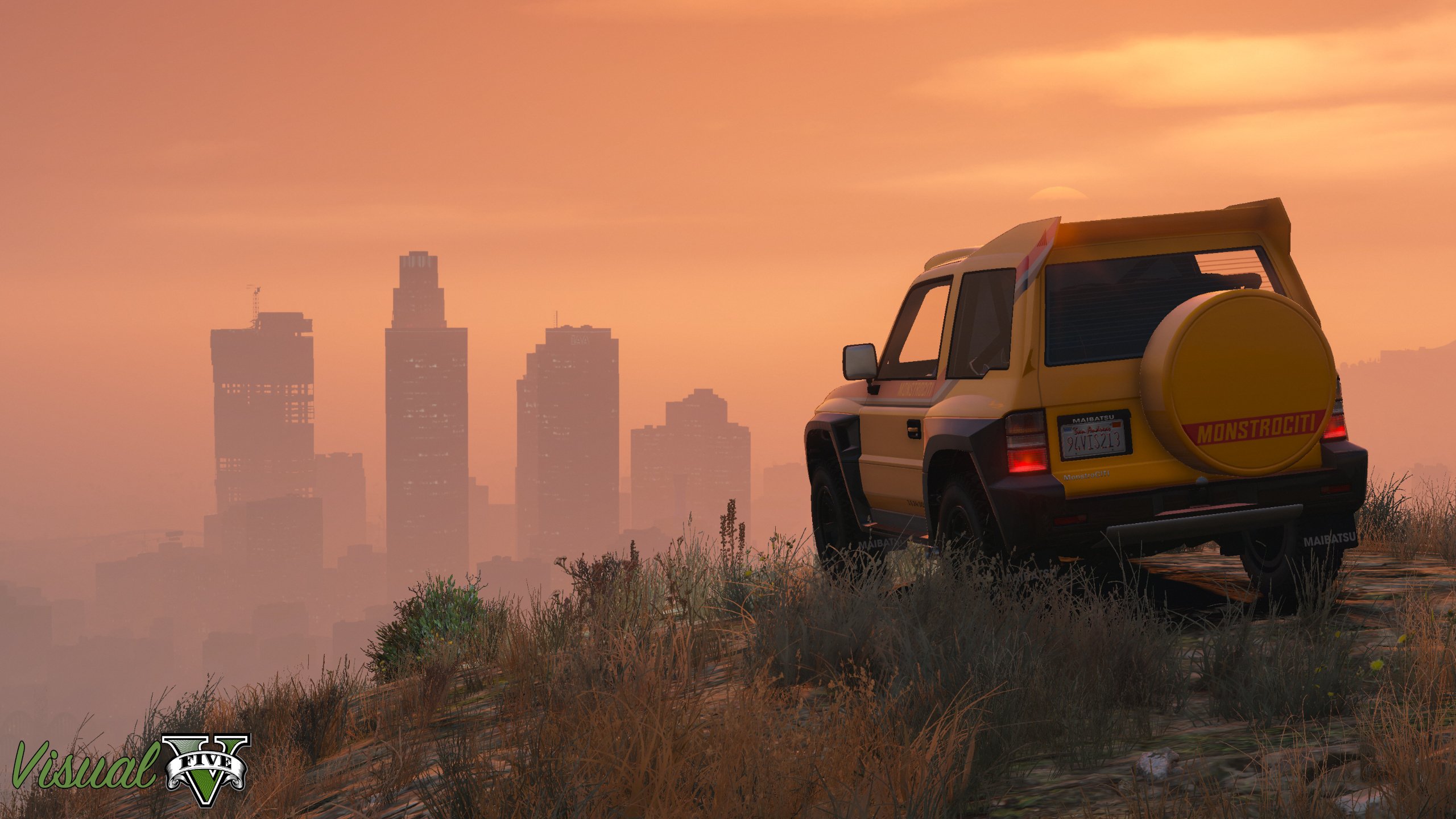
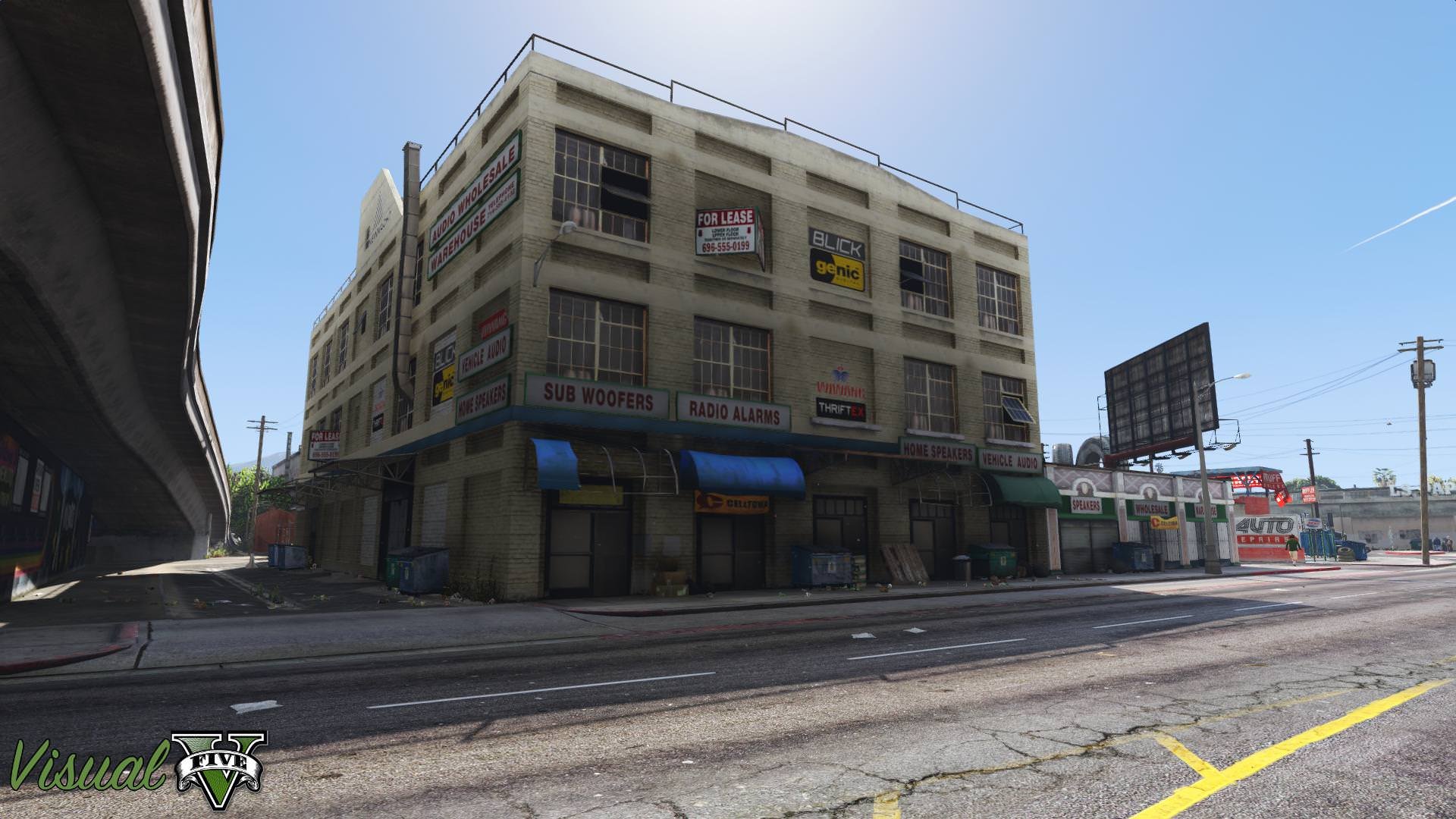
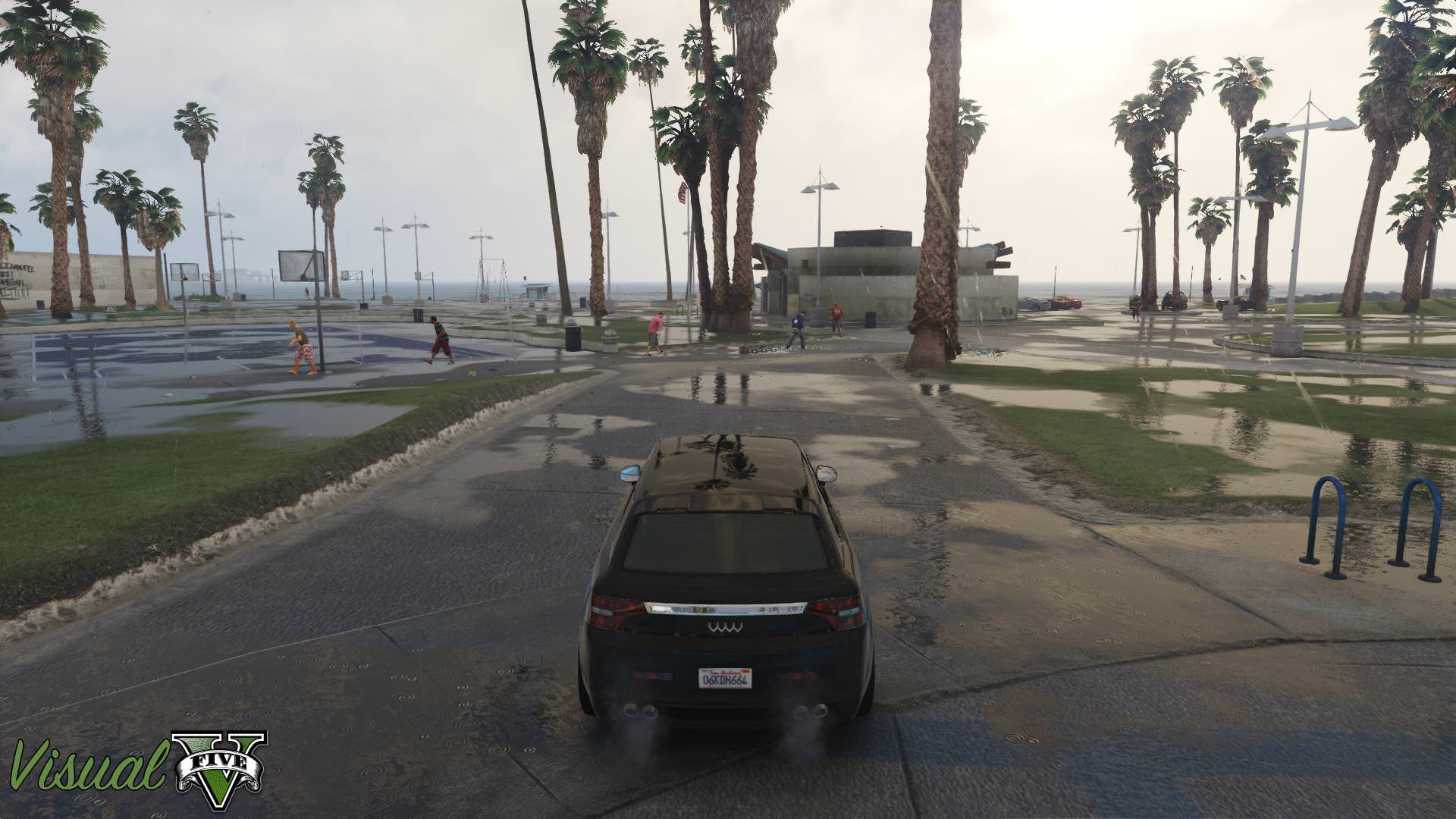
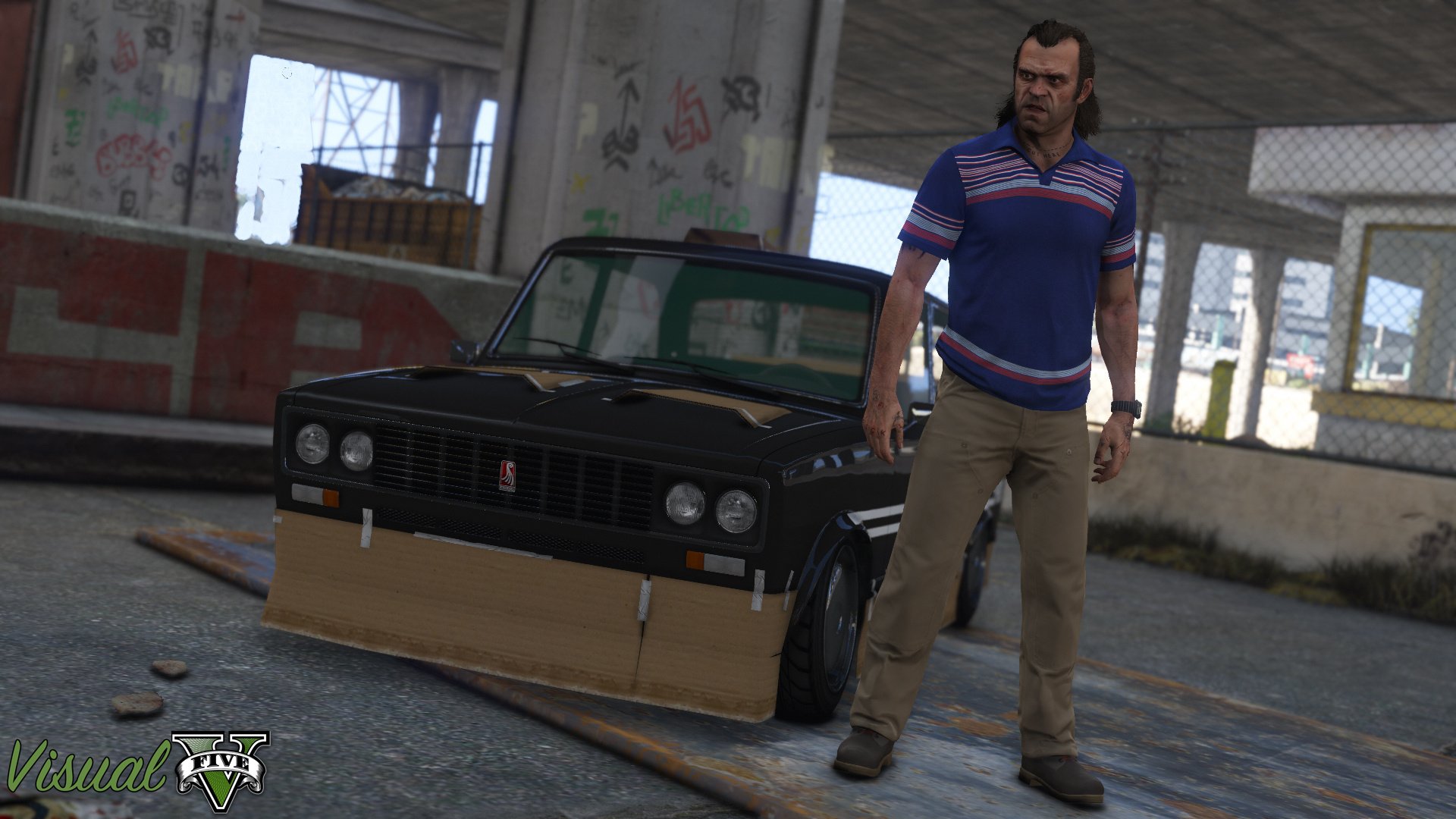
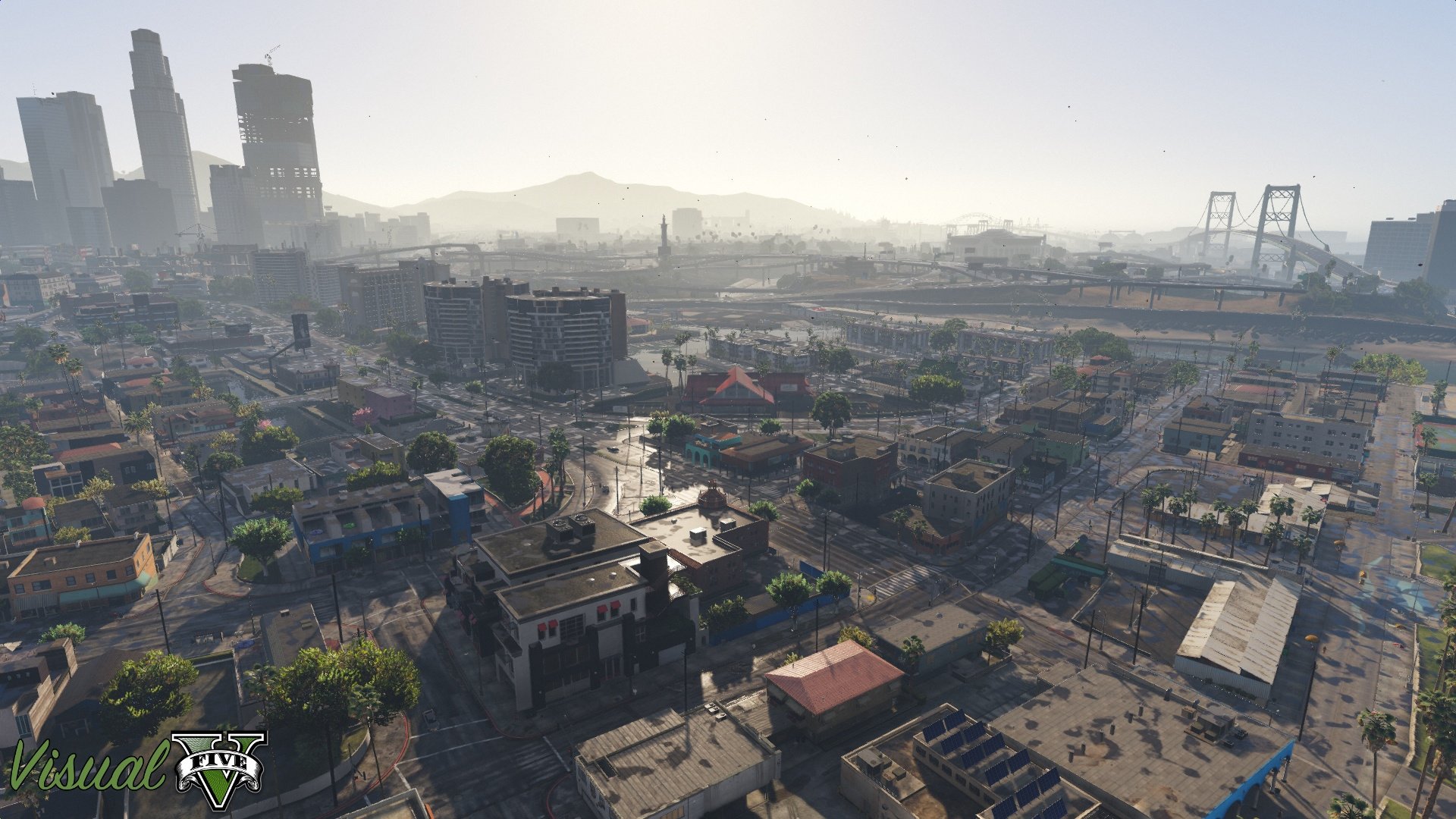
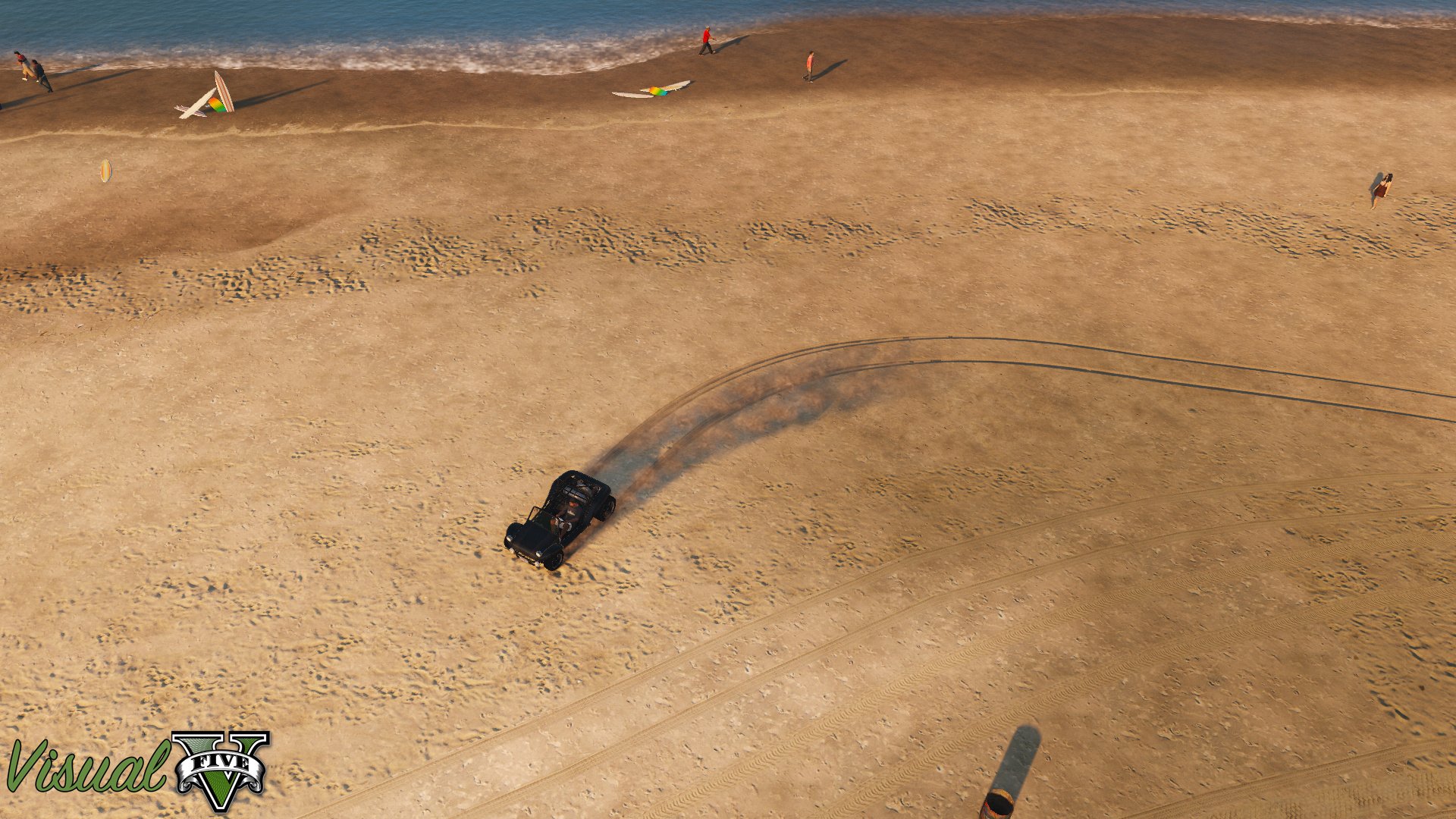
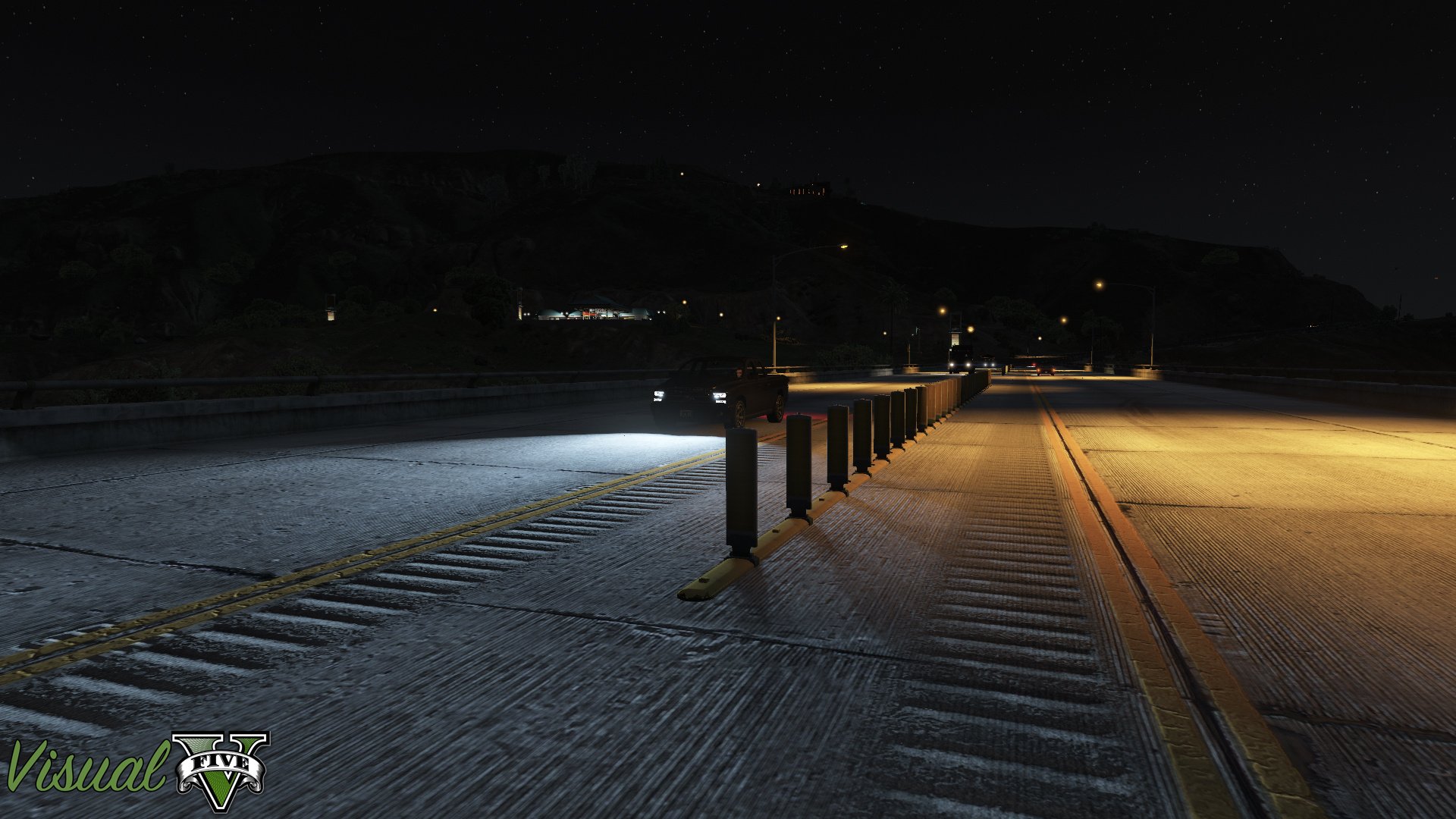
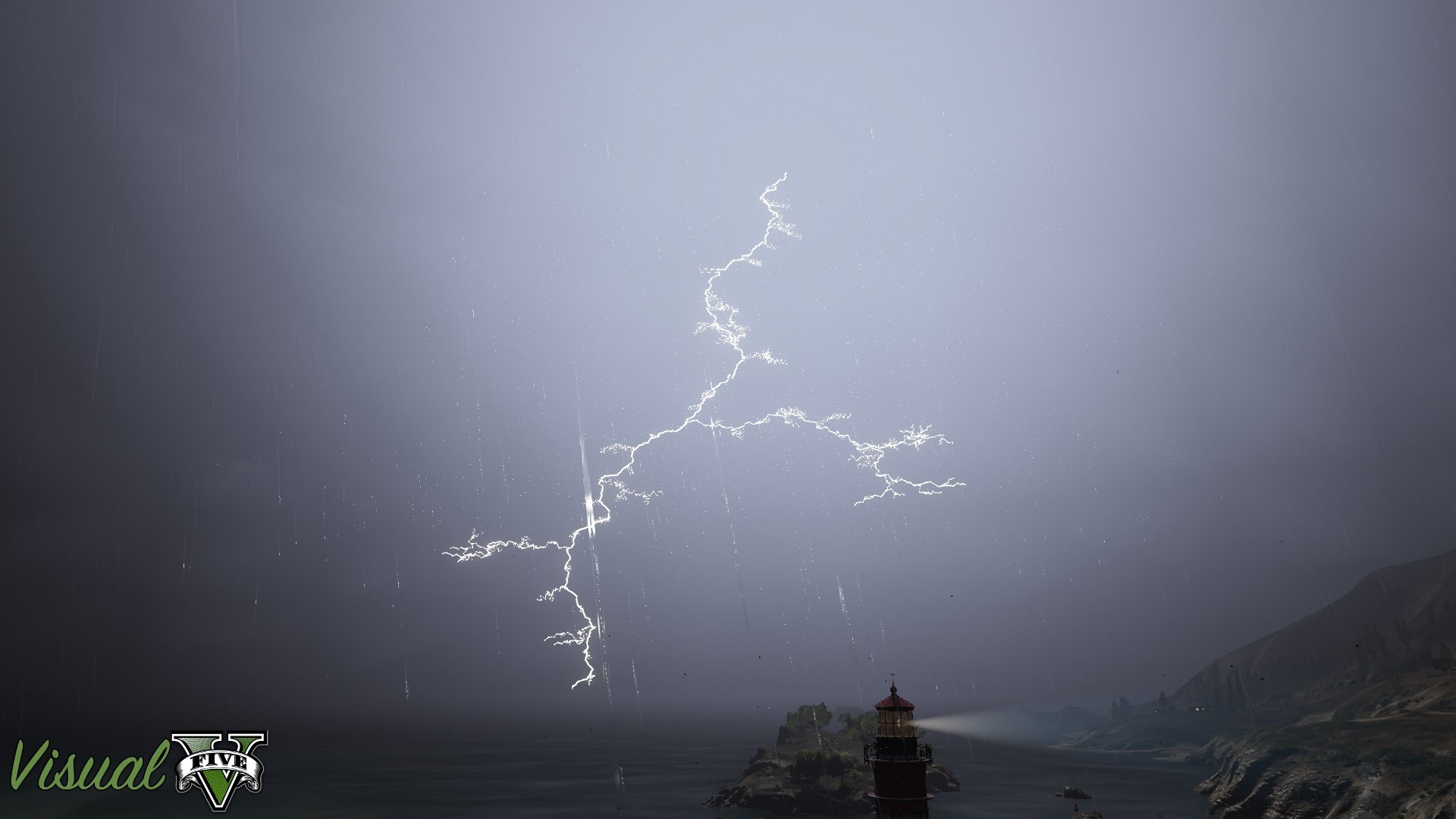
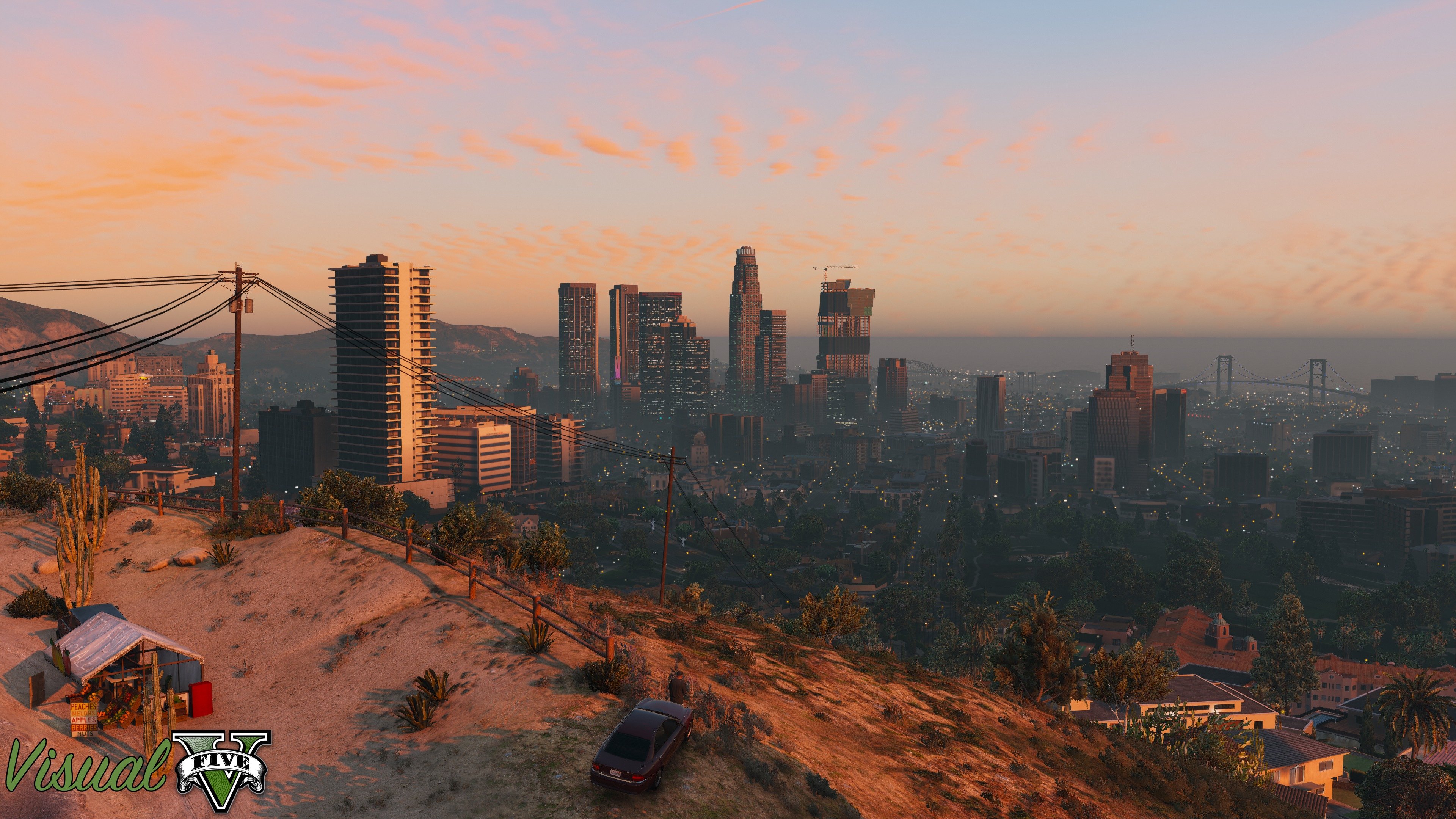
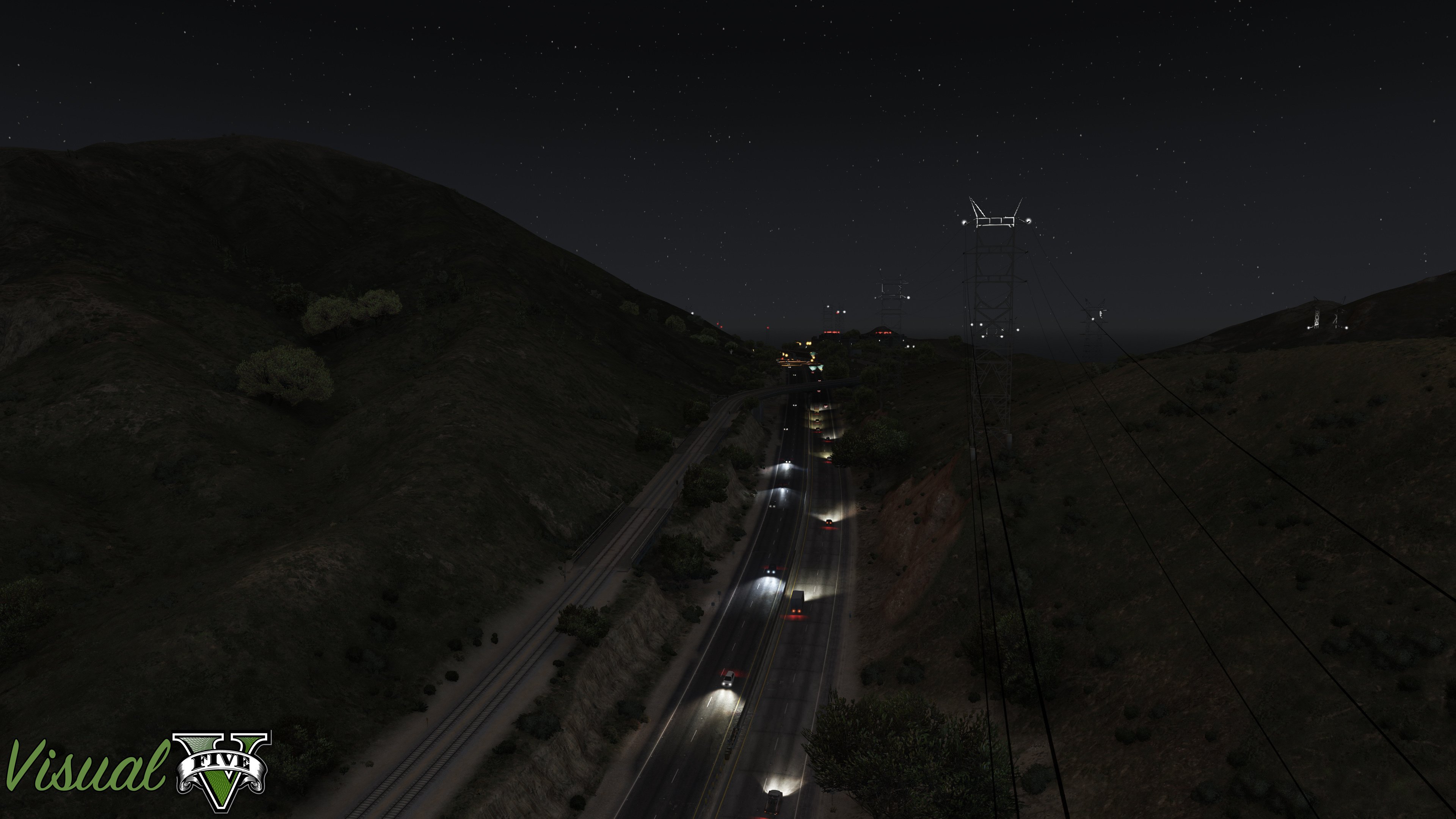
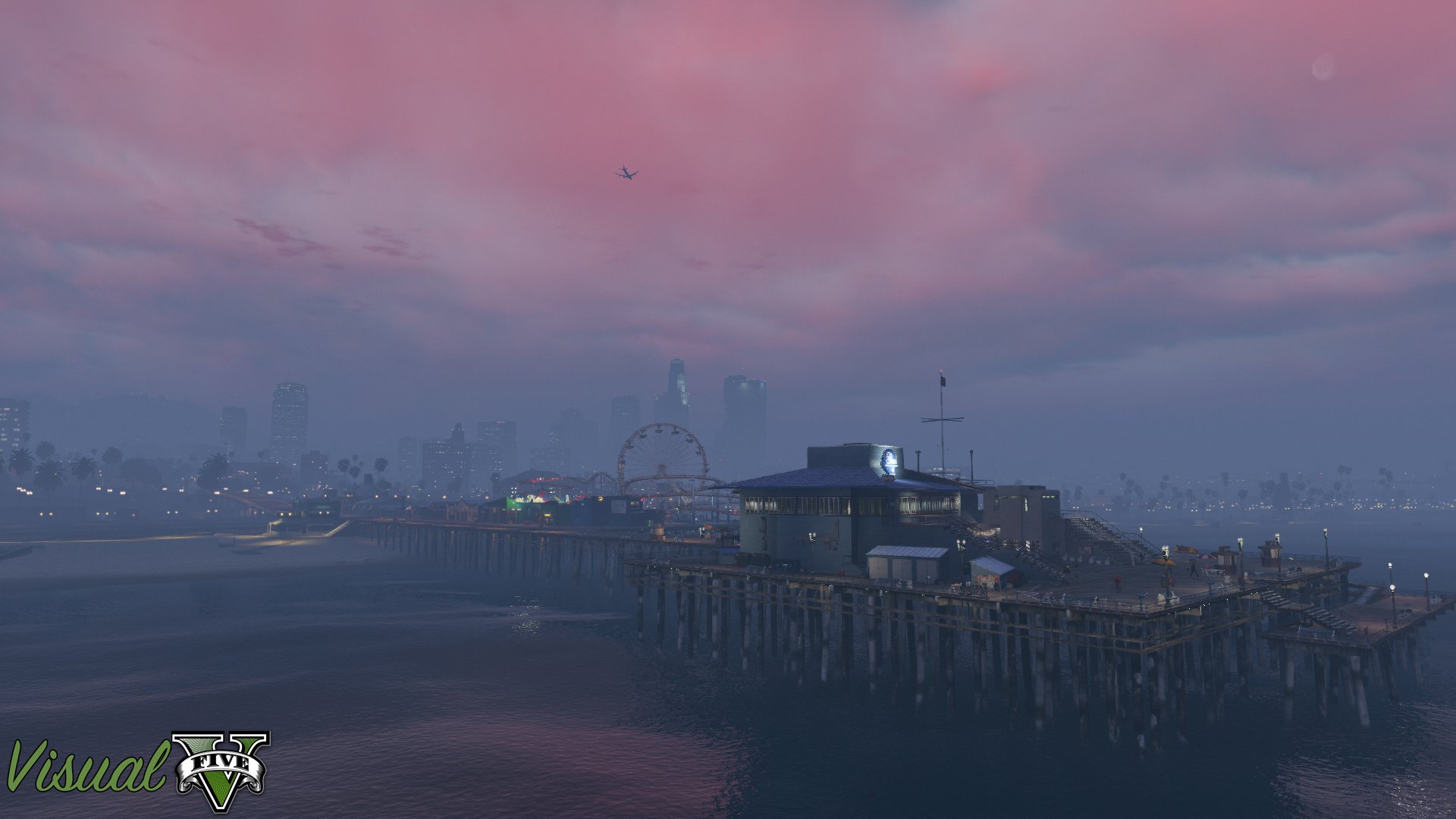
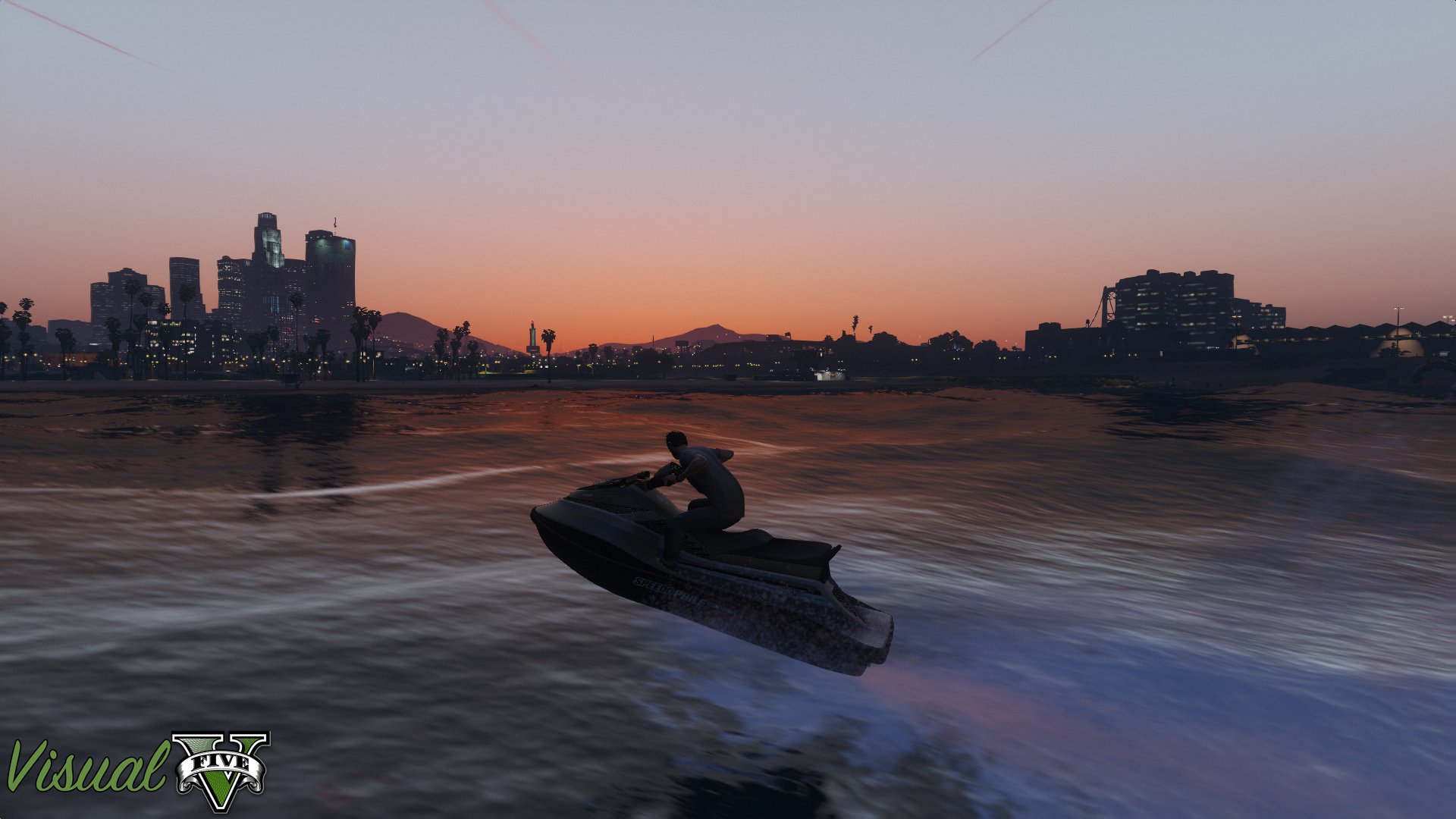
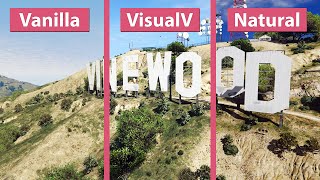
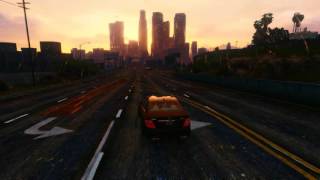
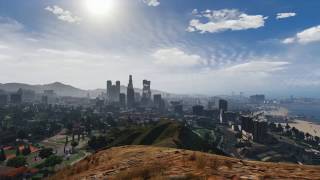
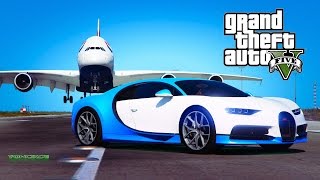
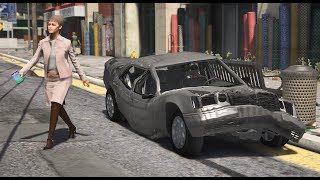
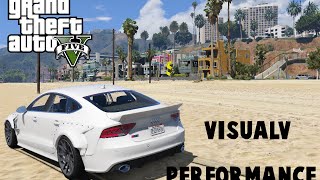
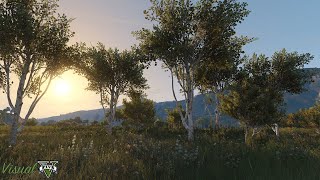
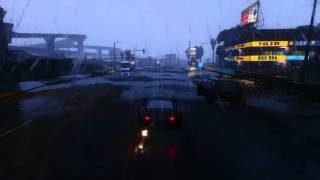
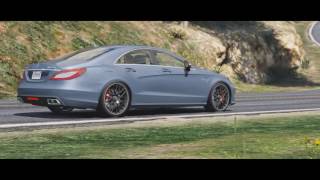
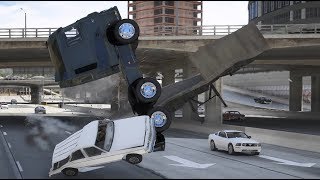
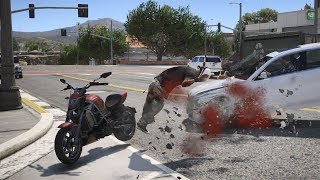
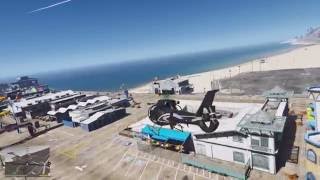
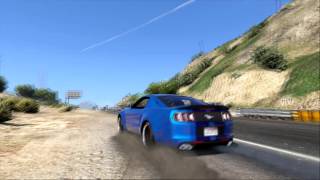
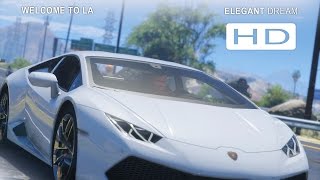
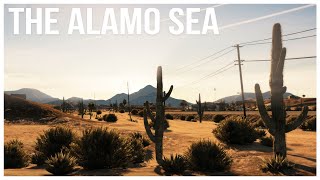
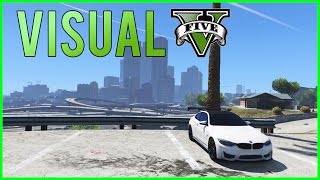
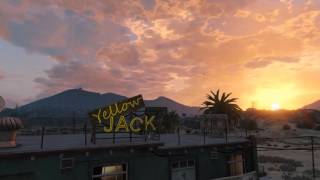
VisualV is a graphic overhaul modification for Grand Theft Auto V, bringing you a completely redone weather effects, edited modificators for areas/interiors, improved color correction and much much more to add some life to Los Santos and Blaine County as well as a fixed rendering code, so your playing experience will be more smooth and nicer.
What was changed in VisualV?
- All weathers rewritten from scratch, based on hundreds of Los Angeles photos and movies.
- Draw distance of lights was increased and they are more visible.
- Moon movement is corrected (no more moonrise at west!).
- Moon size was matched to the real world.
- Volumetric fog effect was improved, now it's stunning as it should be.
- Clouds colors, intensity and movement were built from scratch.
- Shadows under vehicles are in higher quality, so they aren't blocky anymore.
- Chromatic aberration and vignetting were removed from the normal gameplay.
- Lens flares are all the same for three lead characters.
- Dithering effect from the grass was removed for good, rainy weathers will make it great!
- And many, many minor fixes.
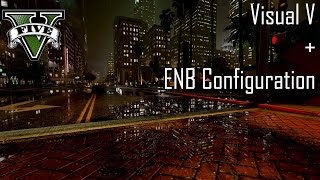
VisualV has own ReShade and ENB presets, with heat haze effect available only for VisualV.
VisualV has introduced several optional changes to improve your game experience, here is the list of them:
- Advanced motion blur - enables motion blur, effect is stronger adequately to vehicle's speed.
- Better positioning of pause menu - slightly changed Options tab, added First Person menu, Graphics and Advanced Graphics tabs are sorted better.
- Dynamic shadows from pedestrian vehicles - renders shadows from vehicle's headlights driven by NPC.
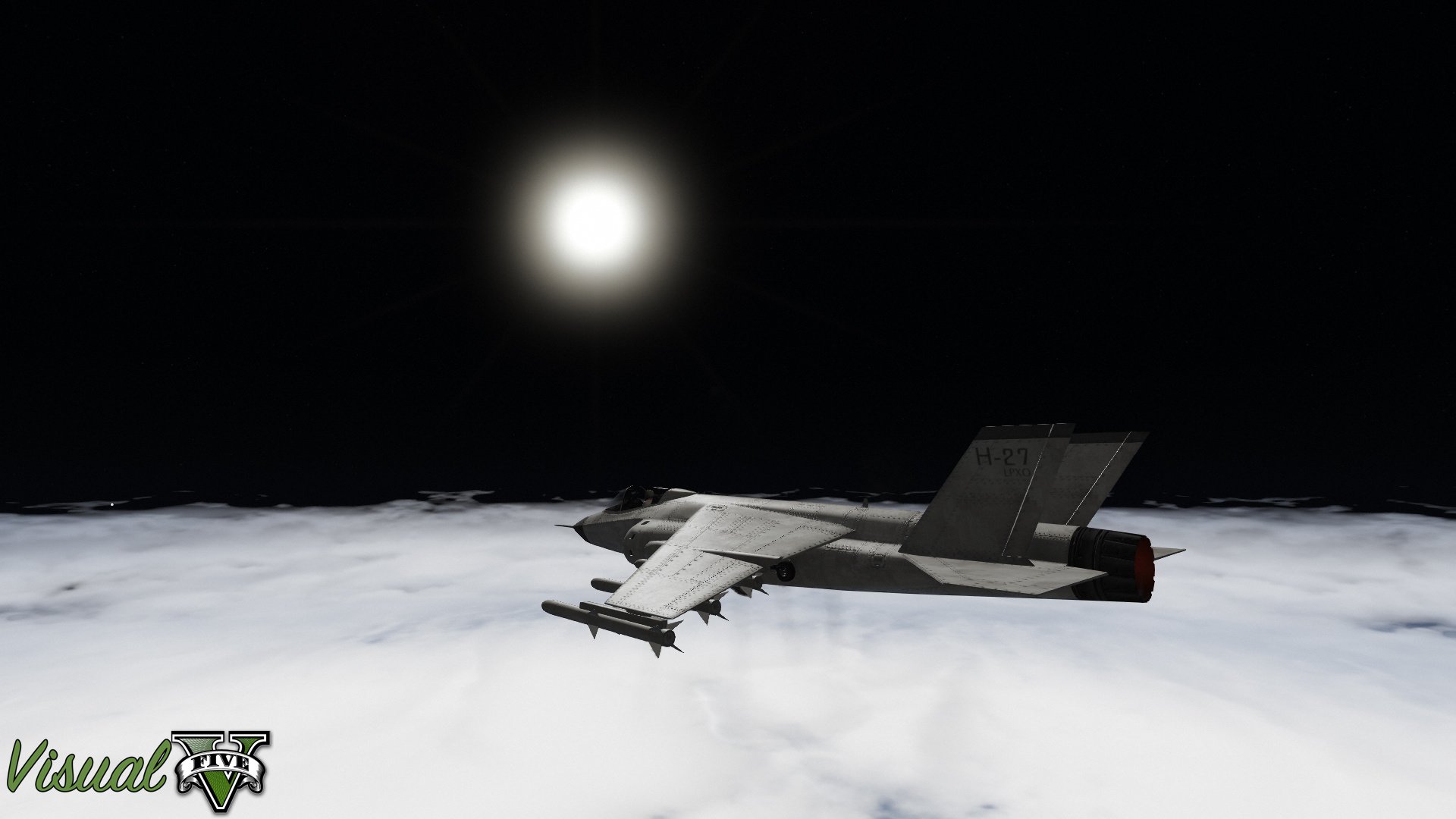
- Earth's Atmosphere - script, which changes a sky behaviour when flying on high altitude, sky is getting darker.
- Enabled blur during weapons radiostations switching - self explained.
- ENB settings - ENB config, more informations above.
- Removed grass dithering + trees reflections - removes grass dithering, especially visible in Los Santos; trees are now visible in reflections.
- No coronas - removes vehicles coronas.
- No lens flares - removes lens flares from the game.
- Original coronas lights - restores vanilla settings of lights like strength, intensity of distant lights etc.
- Procedural shadows - enables shadows casted by small objects like cans, rubbish on the tarmac etc. (may cause reduced game performance).
- RadianceV compatibility - adds compatibility to RadianceV mod.
- ReShade preset - ReShade settings exclusive to VisualV, with MXAO shading technique, ambient light and heat haze effect.
================CHANGELOG=============
2.0.630 version (Enhanced):
- Compatibility with the Safehouse in the Hills update (1.0.1013.17).
========================================
1.0.620 version (Legacy):
- Compatibility with the Safehouse in the Hills update (1.0.3717.0).
- Compatibility for vehicles from the Safehouse in the Hills update (Dynamic shadows from headlights).
OpenIV mod Package is included, you can install VisualV in a few clicks!
===============INSTALLATION===============
For Enhanced version:
Only manual installation is doable at this time:
1. Download CodeWalker 30, dev48 version or newer from CodeWalker Discord server: https://discord.gg/codewalker
2. Download and install OpenRPF: https://www.gta5-mods.com/tools/openrpf-openiv-asi-for-gta-v-enhanced
3. Go to GTAV Enhanced folder, create "mods" folder, then create "update" folder.
4. Copy update.rpf file from "update" to "mods\update"
5. Run CodeWalker and put files from "manual installation" folder to respective directiories in mods\update\update.rpf
========================================
For OpenIV modPackage (Legacy):
1. Install OpenIV - http://openiv.com/WebIV/guest.php?get=1
2. Run OpenIV, click Tools -> ASI Manager and install ASI Loader and OpenIV.asi.
3. Click Tools -> Package Installer and choose VisualV.oiv.
4. Choose Install to mods folder.
If you have ANY problem with GTA V modding, go here:
https://steamcommunity.com/sharedfiles/filedetails/?id=558079253
Previous versions of VisualV are available here:
https://www.mediafire.com/folder/vrv4z3navwafa/VisualV
=====================KNOWN BUGS=========================
- Shadows are more blurred in Clear and Clouds weather.
- Advanced motion blur is not compatibile with NaturalVision Evolved/Remastered scripts (game doesn't allow to use more than one timecyc modifier using natives).
What was changed in VisualV?
- All weathers rewritten from scratch, based on hundreds of Los Angeles photos and movies.
- Draw distance of lights was increased and they are more visible.
- Moon movement is corrected (no more moonrise at west!).
- Moon size was matched to the real world.
- Volumetric fog effect was improved, now it's stunning as it should be.
- Clouds colors, intensity and movement were built from scratch.
- Shadows under vehicles are in higher quality, so they aren't blocky anymore.
- Chromatic aberration and vignetting were removed from the normal gameplay.
- Lens flares are all the same for three lead characters.
- Dithering effect from the grass was removed for good, rainy weathers will make it great!
- And many, many minor fixes.
VisualV has own ReShade and ENB presets, with heat haze effect available only for VisualV.
VisualV has introduced several optional changes to improve your game experience, here is the list of them:
- Advanced motion blur - enables motion blur, effect is stronger adequately to vehicle's speed.
- Better positioning of pause menu - slightly changed Options tab, added First Person menu, Graphics and Advanced Graphics tabs are sorted better.
- Dynamic shadows from pedestrian vehicles - renders shadows from vehicle's headlights driven by NPC.
- Earth's Atmosphere - script, which changes a sky behaviour when flying on high altitude, sky is getting darker.
- Enabled blur during weapons radiostations switching - self explained.
- ENB settings - ENB config, more informations above.
- Removed grass dithering + trees reflections - removes grass dithering, especially visible in Los Santos; trees are now visible in reflections.
- No coronas - removes vehicles coronas.
- No lens flares - removes lens flares from the game.
- Original coronas lights - restores vanilla settings of lights like strength, intensity of distant lights etc.
- Procedural shadows - enables shadows casted by small objects like cans, rubbish on the tarmac etc. (may cause reduced game performance).
- RadianceV compatibility - adds compatibility to RadianceV mod.
- ReShade preset - ReShade settings exclusive to VisualV, with MXAO shading technique, ambient light and heat haze effect.
================CHANGELOG=============
2.0.630 version (Enhanced):
- Compatibility with the Safehouse in the Hills update (1.0.1013.17).
========================================
1.0.620 version (Legacy):
- Compatibility with the Safehouse in the Hills update (1.0.3717.0).
- Compatibility for vehicles from the Safehouse in the Hills update (Dynamic shadows from headlights).
OpenIV mod Package is included, you can install VisualV in a few clicks!
===============INSTALLATION===============
For Enhanced version:
Only manual installation is doable at this time:
1. Download CodeWalker 30, dev48 version or newer from CodeWalker Discord server: https://discord.gg/codewalker
2. Download and install OpenRPF: https://www.gta5-mods.com/tools/openrpf-openiv-asi-for-gta-v-enhanced
3. Go to GTAV Enhanced folder, create "mods" folder, then create "update" folder.
4. Copy update.rpf file from "update" to "mods\update"
5. Run CodeWalker and put files from "manual installation" folder to respective directiories in mods\update\update.rpf
========================================
For OpenIV modPackage (Legacy):
1. Install OpenIV - http://openiv.com/WebIV/guest.php?get=1
2. Run OpenIV, click Tools -> ASI Manager and install ASI Loader and OpenIV.asi.
3. Click Tools -> Package Installer and choose VisualV.oiv.
4. Choose Install to mods folder.
If you have ANY problem with GTA V modding, go here:
https://steamcommunity.com/sharedfiles/filedetails/?id=558079253
Previous versions of VisualV are available here:
https://www.mediafire.com/folder/vrv4z3navwafa/VisualV
=====================KNOWN BUGS=========================
- Shadows are more blurred in Clear and Clouds weather.
- Advanced motion blur is not compatibile with NaturalVision Evolved/Remastered scripts (game doesn't allow to use more than one timecyc modifier using natives).
Dodano: 13 maja 2015
Ostatnia aktualizacja: 15 grudnia 2025
Last Downloaded: 1 minute ago
6 847 Komentarzy
VisualV is a graphic overhaul modification for Grand Theft Auto V, bringing you a completely redone weather effects, edited modificators for areas/interiors, improved color correction and much much more to add some life to Los Santos and Blaine County as well as a fixed rendering code, so your playing experience will be more smooth and nicer.
What was changed in VisualV?
- All weathers rewritten from scratch, based on hundreds of Los Angeles photos and movies.
- Draw distance of lights was increased and they are more visible.
- Moon movement is corrected (no more moonrise at west!).
- Moon size was matched to the real world.
- Volumetric fog effect was improved, now it's stunning as it should be.
- Clouds colors, intensity and movement were built from scratch.
- Shadows under vehicles are in higher quality, so they aren't blocky anymore.
- Chromatic aberration and vignetting were removed from the normal gameplay.
- Lens flares are all the same for three lead characters.
- Dithering effect from the grass was removed for good, rainy weathers will make it great!
- And many, many minor fixes.
VisualV has own ReShade and ENB presets, with heat haze effect available only for VisualV.
VisualV has introduced several optional changes to improve your game experience, here is the list of them:
- Advanced motion blur - enables motion blur, effect is stronger adequately to vehicle's speed.
- Better positioning of pause menu - slightly changed Options tab, added First Person menu, Graphics and Advanced Graphics tabs are sorted better.
- Dynamic shadows from pedestrian vehicles - renders shadows from vehicle's headlights driven by NPC.
- Earth's Atmosphere - script, which changes a sky behaviour when flying on high altitude, sky is getting darker.
- Enabled blur during weapons radiostations switching - self explained.
- ENB settings - ENB config, more informations above.
- Removed grass dithering + trees reflections - removes grass dithering, especially visible in Los Santos; trees are now visible in reflections.
- No coronas - removes vehicles coronas.
- No lens flares - removes lens flares from the game.
- Original coronas lights - restores vanilla settings of lights like strength, intensity of distant lights etc.
- Procedural shadows - enables shadows casted by small objects like cans, rubbish on the tarmac etc. (may cause reduced game performance).
- RadianceV compatibility - adds compatibility to RadianceV mod.
- ReShade preset - ReShade settings exclusive to VisualV, with MXAO shading technique, ambient light and heat haze effect.
================CHANGELOG=============
2.0.630 version (Enhanced):
- Compatibility with the Safehouse in the Hills update (1.0.1013.17).
========================================
1.0.620 version (Legacy):
- Compatibility with the Safehouse in the Hills update (1.0.3717.0).
- Compatibility for vehicles from the Safehouse in the Hills update (Dynamic shadows from headlights).
OpenIV mod Package is included, you can install VisualV in a few clicks!
===============INSTALLATION===============
For Enhanced version:
Only manual installation is doable at this time:
1. Download CodeWalker 30, dev48 version or newer from CodeWalker Discord server: https://discord.gg/codewalker
2. Download and install OpenRPF: https://www.gta5-mods.com/tools/openrpf-openiv-asi-for-gta-v-enhanced
3. Go to GTAV Enhanced folder, create "mods" folder, then create "update" folder.
4. Copy update.rpf file from "update" to "mods\update"
5. Run CodeWalker and put files from "manual installation" folder to respective directiories in mods\update\update.rpf
========================================
For OpenIV modPackage (Legacy):
1. Install OpenIV - http://openiv.com/WebIV/guest.php?get=1
2. Run OpenIV, click Tools -> ASI Manager and install ASI Loader and OpenIV.asi.
3. Click Tools -> Package Installer and choose VisualV.oiv.
4. Choose Install to mods folder.
If you have ANY problem with GTA V modding, go here:
https://steamcommunity.com/sharedfiles/filedetails/?id=558079253
Previous versions of VisualV are available here:
https://www.mediafire.com/folder/vrv4z3navwafa/VisualV
=====================KNOWN BUGS=========================
- Shadows are more blurred in Clear and Clouds weather.
- Advanced motion blur is not compatibile with NaturalVision Evolved/Remastered scripts (game doesn't allow to use more than one timecyc modifier using natives).
What was changed in VisualV?
- All weathers rewritten from scratch, based on hundreds of Los Angeles photos and movies.
- Draw distance of lights was increased and they are more visible.
- Moon movement is corrected (no more moonrise at west!).
- Moon size was matched to the real world.
- Volumetric fog effect was improved, now it's stunning as it should be.
- Clouds colors, intensity and movement were built from scratch.
- Shadows under vehicles are in higher quality, so they aren't blocky anymore.
- Chromatic aberration and vignetting were removed from the normal gameplay.
- Lens flares are all the same for three lead characters.
- Dithering effect from the grass was removed for good, rainy weathers will make it great!
- And many, many minor fixes.
VisualV has own ReShade and ENB presets, with heat haze effect available only for VisualV.
VisualV has introduced several optional changes to improve your game experience, here is the list of them:
- Advanced motion blur - enables motion blur, effect is stronger adequately to vehicle's speed.
- Better positioning of pause menu - slightly changed Options tab, added First Person menu, Graphics and Advanced Graphics tabs are sorted better.
- Dynamic shadows from pedestrian vehicles - renders shadows from vehicle's headlights driven by NPC.
- Earth's Atmosphere - script, which changes a sky behaviour when flying on high altitude, sky is getting darker.
- Enabled blur during weapons radiostations switching - self explained.
- ENB settings - ENB config, more informations above.
- Removed grass dithering + trees reflections - removes grass dithering, especially visible in Los Santos; trees are now visible in reflections.
- No coronas - removes vehicles coronas.
- No lens flares - removes lens flares from the game.
- Original coronas lights - restores vanilla settings of lights like strength, intensity of distant lights etc.
- Procedural shadows - enables shadows casted by small objects like cans, rubbish on the tarmac etc. (may cause reduced game performance).
- RadianceV compatibility - adds compatibility to RadianceV mod.
- ReShade preset - ReShade settings exclusive to VisualV, with MXAO shading technique, ambient light and heat haze effect.
================CHANGELOG=============
2.0.630 version (Enhanced):
- Compatibility with the Safehouse in the Hills update (1.0.1013.17).
========================================
1.0.620 version (Legacy):
- Compatibility with the Safehouse in the Hills update (1.0.3717.0).
- Compatibility for vehicles from the Safehouse in the Hills update (Dynamic shadows from headlights).
OpenIV mod Package is included, you can install VisualV in a few clicks!
===============INSTALLATION===============
For Enhanced version:
Only manual installation is doable at this time:
1. Download CodeWalker 30, dev48 version or newer from CodeWalker Discord server: https://discord.gg/codewalker
2. Download and install OpenRPF: https://www.gta5-mods.com/tools/openrpf-openiv-asi-for-gta-v-enhanced
3. Go to GTAV Enhanced folder, create "mods" folder, then create "update" folder.
4. Copy update.rpf file from "update" to "mods\update"
5. Run CodeWalker and put files from "manual installation" folder to respective directiories in mods\update\update.rpf
========================================
For OpenIV modPackage (Legacy):
1. Install OpenIV - http://openiv.com/WebIV/guest.php?get=1
2. Run OpenIV, click Tools -> ASI Manager and install ASI Loader and OpenIV.asi.
3. Click Tools -> Package Installer and choose VisualV.oiv.
4. Choose Install to mods folder.
If you have ANY problem with GTA V modding, go here:
https://steamcommunity.com/sharedfiles/filedetails/?id=558079253
Previous versions of VisualV are available here:
https://www.mediafire.com/folder/vrv4z3navwafa/VisualV
=====================KNOWN BUGS=========================
- Shadows are more blurred in Clear and Clouds weather.
- Advanced motion blur is not compatibile with NaturalVision Evolved/Remastered scripts (game doesn't allow to use more than one timecyc modifier using natives).
Dodano: 13 maja 2015
Ostatnia aktualizacja: 15 grudnia 2025
Last Downloaded: 1 minute ago
 5mods on Discord

Hey!
The only changes are slightly updated installation instruction.
can i install nve lite over it and not encounter any problems at all?
I noticed with this mod you can't enable MP maps on any trainer whether be SimpleTrainer or Menyoo etc. Any possible reasoning why that is? It never used to happen before the latest update of GTA V Legacy.
is there any way to know if it's installed besides better graphics? just installed gta V enhanced on my pc and im not sure how the base graphics look. i want to know if i installed it correctly because i struggled so much to figure out what to do in codewalker
rtx 3050 ?
@GRMZ_ except you can though, you probably have something messed up in dlclist like a random key at the end of a dlclist witch can cause all the dlcs to not load
Unlike other mods, it's not complicated. Although it’s simple, it’s realistic enough.
I'd love to see more updates from this. The VisualV time-cycle is the best looking one so far. It looks really natural and perfectly saturated compared to others I've tested.
Why is North Yankton's sky pink and no fog at the beginning of the game?
Easiest way to install this is via Onigiri then you can just paste the "common" & "x64" inside the onigiri folder then rename the x64 folder to "platform". No need to install codewalker, openIV or anything else.
works great!
How do we fix the high corona's Headlight bloom.... https://imgur.com/a/ivyEo2Q
EDIT: Fixed it, was shadow quality setting.
Why does it say "cannot import" on Codewalker RPF Explorer
Can someone create a mod for VisualV Enhanced that adds brighter nights as the ground and mountains are sooooooooo dark ?
gameconfig.xml doesn't allow me to play story mode (infinite menu load or crash on new game start), legacy version. I need my nerves back for finding this crap out.
I apologize, it was https://www.gta5-mods.com/misc/gta-5-gameconfig-300-cars
Don't install it it will corrupt your game data you will have to reinstall the game fully as I open my gta v. It says breakpoint reaches try reinstalling the game
quick
question after install i have now a bloom effekt
while i'm driving i dont like this effect much can i remove it?
Traffic lights aren't showing up when I get close to them but I can see them from at least half a block away. I'm not sure if its any other mods I have it shouldn't be but I am curious if anyone else experienced this?
For some reason, ReShade is not working with GTA 5 Legacy. When I rename ReShade64.dll to d3d12.dll, the menu finally appears. After manually changing the search paths for the shaders and textures, and then toggling Performance Mode off and on, the effects finally show up. However, all of them fail to compile with a red error message. How do I fix this?