
![IV Style Exit Vehicle [.NET]](https://img.gta5-mods.com/q75-w500-h333-cfill/images/iv-style-exit-vehicle-net/10bfa6-f41747-IVStyleExitVehicle.jpg "IV Style Exit Vehicle [.NET]")



576 966
2 216
576 966
2 216
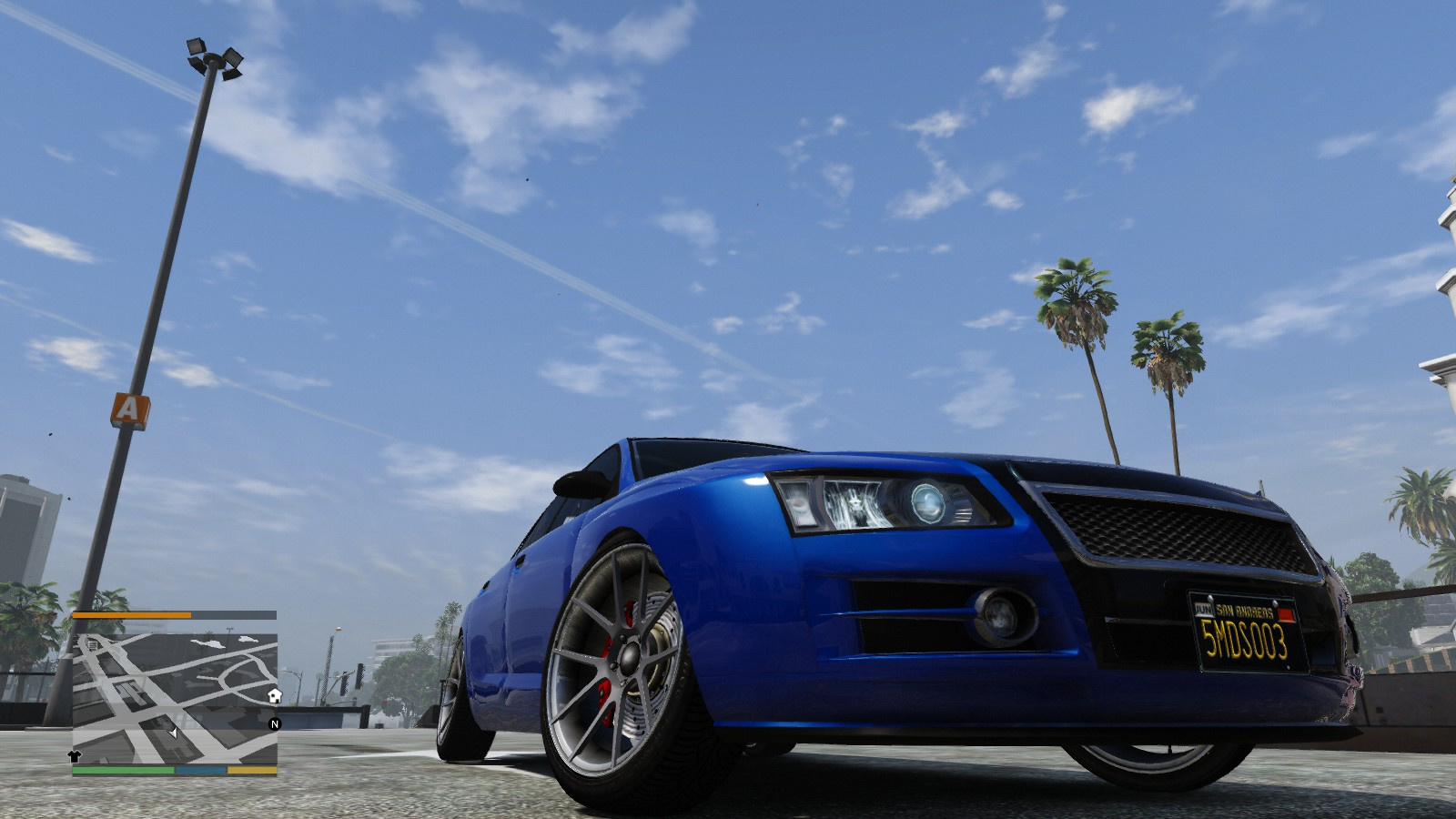
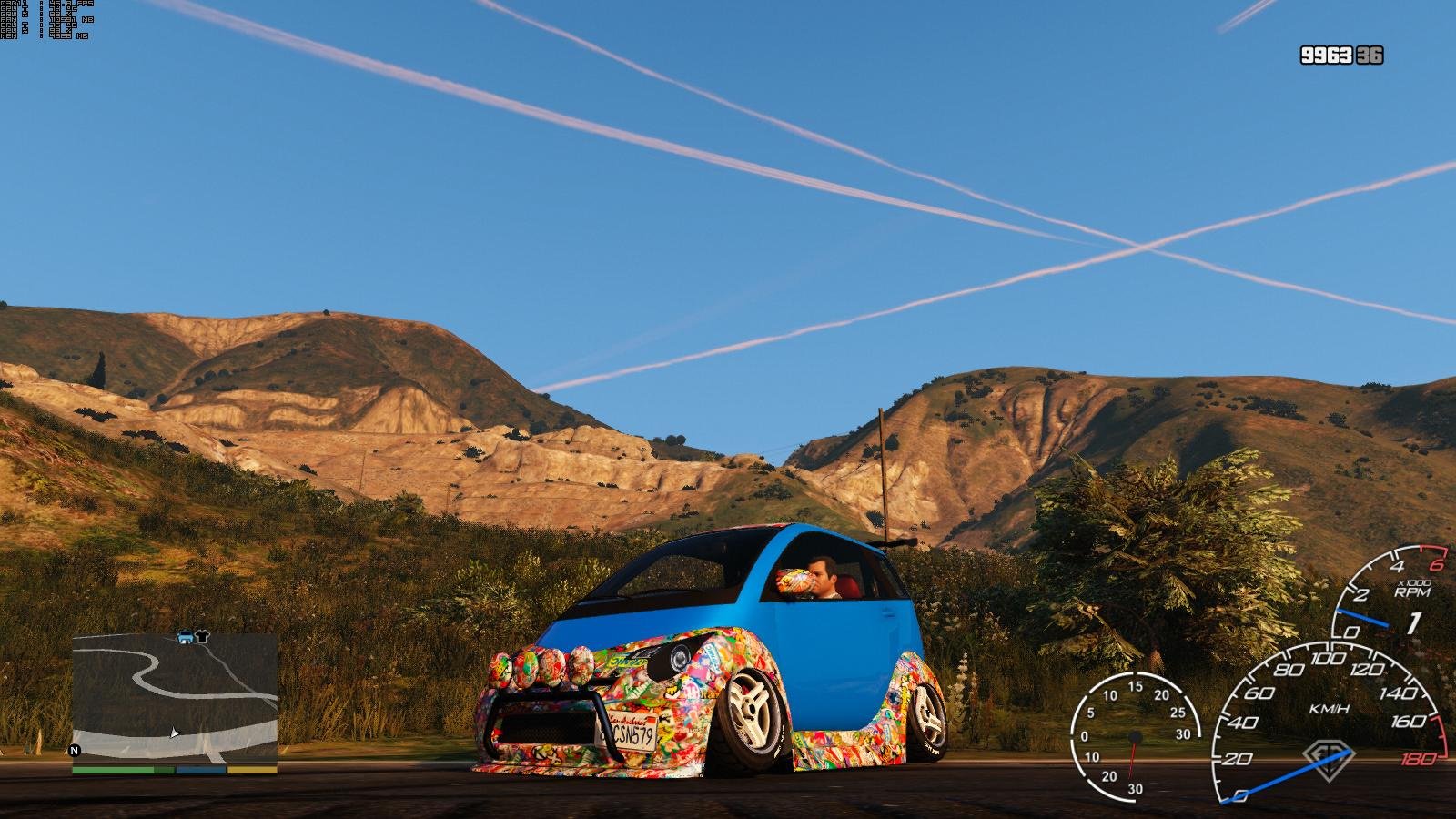
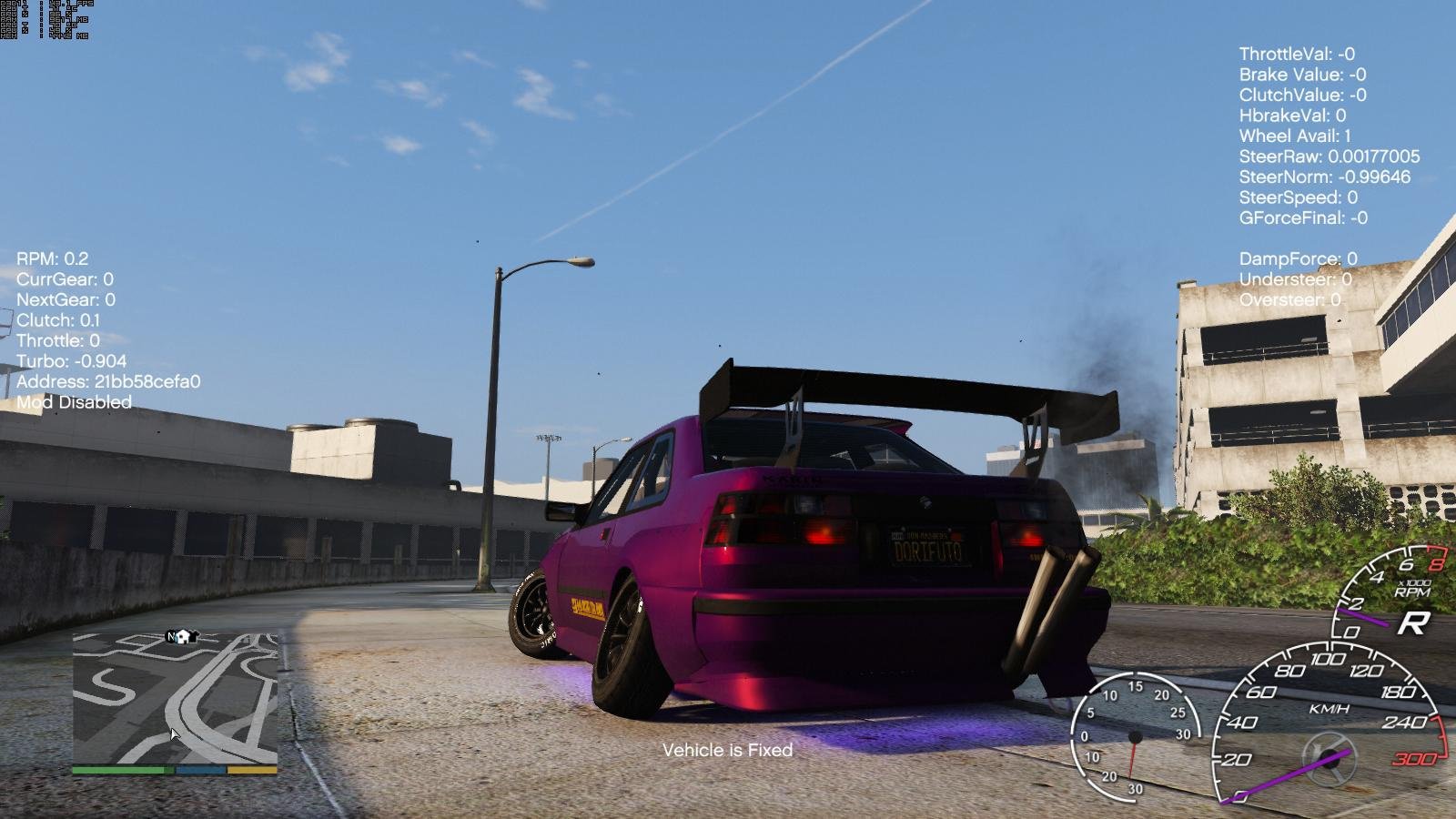
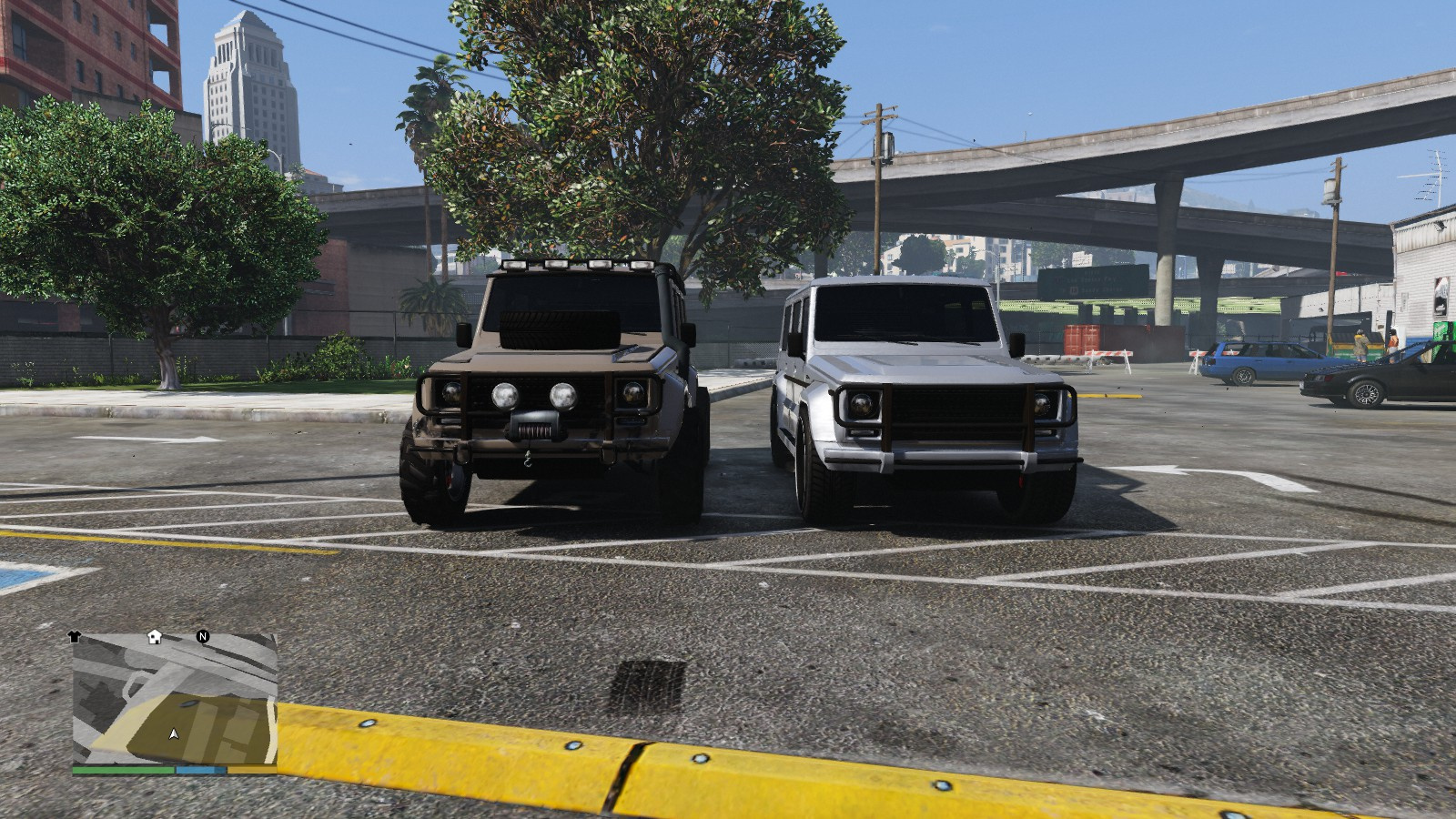
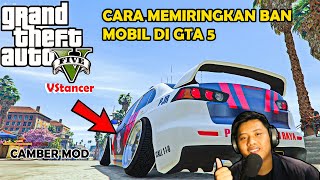
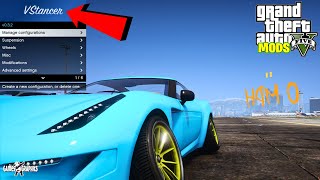
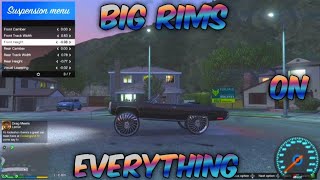
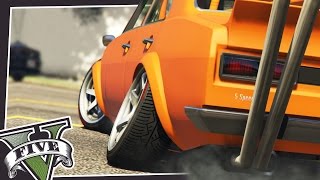
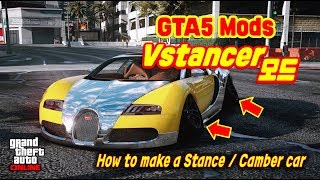
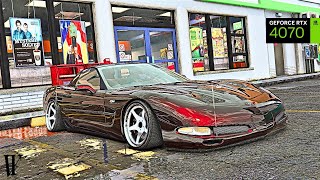
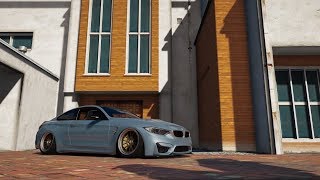
VStancer applies wheel and suspension modifications to vehicles.
Requirements
ScriptHookV
Game version greater or equal to 1.0.2372.0
Installation
Drag and drop VStancer.asi and the folder VStancer to the main GTA V folder.
Opening the menu
Enter vstancer in the cheat console (open with tilde (~) or whatever key is above Tab.
Alternatively, use the hotkey:
QWERTY/US = ;:
For other keyboard layouts, I recommend to change the hotkey in the settings_menu.ini file, which is in the VStancer folder.
Usage
Consult the included README.md or README.pdf.
Known bugs
- Wheels clip through ground with extreme angles
- Wheels clip through ground with extreme low height
- While the mod is active, car wheel deformation is not active
Credits
Wouldn't even have considered it without InfamousSabre's post on this same thing!
NTA/CamxxCore's hooking class
GVMA for 0.3 testing
FiveM
Neos7 made a FiveM version, check it out!
Changelog
0.4.0
* Compatibility with GTA V Enhanced 1.0.1013.33
* Compatibility with GTA V Legacy 1.0.3788.0
* Apply track width based on model origin
0.3.3
* Add in-game deletion for configs
* Fix pre-cambered vehicles having inverted camber on rear wheels
0.3.2 / 0.3.1
Note: 0.3.2 is a critical bug fix for 0.3.1
* Change suspension patch to (optionally) conditionally apply, prevents breaking certain vehicles
* Set default patch mode to player-only detection (only unpatch when player drives unsupported vehicle)
* Improve incompatible vehicle detection
* Fix license plate-based saves not working
* Change license plate format to [ PLATE ] to support whitespace plates
* (0.3.2) Fix crash on startup caused by mistake in "Improve incompatible vehicle detection"
0.3.0
Some background info:
Version 0.3.0 is more or less a complete rewrite. The script is functionally
the same as previous versions, no breakthroughs have been achieved
since version 0.2.5. Just big internal codebase improvements which have been
bothering me for a while.
* Changed the save format: `car_saved.xml` and `car_preset.xml` are not supported
in 0.3. Instead, the Config folder contains settings per vehicle.
Your old configurations _will_ have to be made again.
* Added modification-based adjustments: tuning parts can be specified to
change suspension geometry, for example: Increase track width on body kits.
This stacks with the base/existing configuration.
Values for modifications have to be modified in the vehicles' .ini file.
Re-opening the menu reloads files, to load changes.
* Added support for NPC vehicles: The script always updates all vehicles
in the game world in 0.3.
v0.2.5
* Fix rim radius not saved
* Automatically disable things vehicles that break (lowriders and flying stuff)
0.2.4
* Fix menu opening causing character selection and recording issues
0.2.3
* Update code for b1604. It's crappy but it seems to work.
* Add a toggle for height tuning. Disable this if you're doing cars with transforming wheels or hydraulics and aren't touching height anyway. (Other stuff->Height tuning)
0.2.2
* Fix offsets for b1290
0.2.1
* Fix auto-apply for wheel size
* Add a warning to the menu for old game versions
0.2.0
Config changes: Add option to open menu with the cheat "vstancer". Can be changed in settings_menu.ini
Saved presets now include wheel size parameters.
* Add wheel size options
Requirements
ScriptHookV
Game version greater or equal to 1.0.2372.0
Installation
Drag and drop VStancer.asi and the folder VStancer to the main GTA V folder.
Opening the menu
Enter vstancer in the cheat console (open with tilde (~) or whatever key is above Tab.
Alternatively, use the hotkey:
QWERTY/US = ;:
For other keyboard layouts, I recommend to change the hotkey in the settings_menu.ini file, which is in the VStancer folder.
Usage
Consult the included README.md or README.pdf.
Known bugs
- Wheels clip through ground with extreme angles
- Wheels clip through ground with extreme low height
- While the mod is active, car wheel deformation is not active
Credits
Wouldn't even have considered it without InfamousSabre's post on this same thing!
NTA/CamxxCore's hooking class
GVMA for 0.3 testing
FiveM
Neos7 made a FiveM version, check it out!
Changelog
0.4.0
* Compatibility with GTA V Enhanced 1.0.1013.33
* Compatibility with GTA V Legacy 1.0.3788.0
* Apply track width based on model origin
0.3.3
* Add in-game deletion for configs
* Fix pre-cambered vehicles having inverted camber on rear wheels
0.3.2 / 0.3.1
Note: 0.3.2 is a critical bug fix for 0.3.1
* Change suspension patch to (optionally) conditionally apply, prevents breaking certain vehicles
* Set default patch mode to player-only detection (only unpatch when player drives unsupported vehicle)
* Improve incompatible vehicle detection
* Fix license plate-based saves not working
* Change license plate format to [ PLATE ] to support whitespace plates
* (0.3.2) Fix crash on startup caused by mistake in "Improve incompatible vehicle detection"
0.3.0
Some background info:
Version 0.3.0 is more or less a complete rewrite. The script is functionally
the same as previous versions, no breakthroughs have been achieved
since version 0.2.5. Just big internal codebase improvements which have been
bothering me for a while.
* Changed the save format: `car_saved.xml` and `car_preset.xml` are not supported
in 0.3. Instead, the Config folder contains settings per vehicle.
Your old configurations _will_ have to be made again.
* Added modification-based adjustments: tuning parts can be specified to
change suspension geometry, for example: Increase track width on body kits.
This stacks with the base/existing configuration.
Values for modifications have to be modified in the vehicles' .ini file.
Re-opening the menu reloads files, to load changes.
* Added support for NPC vehicles: The script always updates all vehicles
in the game world in 0.3.
v0.2.5
* Fix rim radius not saved
* Automatically disable things vehicles that break (lowriders and flying stuff)
0.2.4
* Fix menu opening causing character selection and recording issues
0.2.3
* Update code for b1604. It's crappy but it seems to work.
* Add a toggle for height tuning. Disable this if you're doing cars with transforming wheels or hydraulics and aren't touching height anyway. (Other stuff->Height tuning)
0.2.2
* Fix offsets for b1290
0.2.1
* Fix auto-apply for wheel size
* Add a warning to the menu for old game versions
0.2.0
Config changes: Add option to open menu with the cheat "vstancer". Can be changed in settings_menu.ini
Saved presets now include wheel size parameters.
* Add wheel size options
Dodano: kwiecień 29, 2017
Ostatnia aktualizacja: maj 22, 2026
Last Downloaded: 20 seconds ago
1 237 Komentarzy
More mods by ikt:
![Manual Transmission | Steering wheel support [Outdated]](https://img.gta5-mods.com/q75-w500-h333-cfill/images/manual-transmission-ikt/01efd0-MTThumb_Outdated.jpg "Manual Transmission | Steering wheel support [Outdated]")
- Rozgrywka
- Pojazdy
- Asi
- Featured
- Open Source
4.79
1 206 826
938
5.6.1 [Outdated]
By ikt
VStancer applies wheel and suspension modifications to vehicles.
Requirements
ScriptHookV
Game version greater or equal to 1.0.2372.0
Installation
Drag and drop VStancer.asi and the folder VStancer to the main GTA V folder.
Opening the menu
Enter vstancer in the cheat console (open with tilde (~) or whatever key is above Tab.
Alternatively, use the hotkey:
QWERTY/US = ;:
For other keyboard layouts, I recommend to change the hotkey in the settings_menu.ini file, which is in the VStancer folder.
Usage
Consult the included README.md or README.pdf.
Known bugs
- Wheels clip through ground with extreme angles
- Wheels clip through ground with extreme low height
- While the mod is active, car wheel deformation is not active
Credits
Wouldn't even have considered it without InfamousSabre's post on this same thing!
NTA/CamxxCore's hooking class
GVMA for 0.3 testing
FiveM
Neos7 made a FiveM version, check it out!
Changelog
0.4.0
* Compatibility with GTA V Enhanced 1.0.1013.33
* Compatibility with GTA V Legacy 1.0.3788.0
* Apply track width based on model origin
0.3.3
* Add in-game deletion for configs
* Fix pre-cambered vehicles having inverted camber on rear wheels
0.3.2 / 0.3.1
Note: 0.3.2 is a critical bug fix for 0.3.1
* Change suspension patch to (optionally) conditionally apply, prevents breaking certain vehicles
* Set default patch mode to player-only detection (only unpatch when player drives unsupported vehicle)
* Improve incompatible vehicle detection
* Fix license plate-based saves not working
* Change license plate format to [ PLATE ] to support whitespace plates
* (0.3.2) Fix crash on startup caused by mistake in "Improve incompatible vehicle detection"
0.3.0
Some background info:
Version 0.3.0 is more or less a complete rewrite. The script is functionally
the same as previous versions, no breakthroughs have been achieved
since version 0.2.5. Just big internal codebase improvements which have been
bothering me for a while.
* Changed the save format: `car_saved.xml` and `car_preset.xml` are not supported
in 0.3. Instead, the Config folder contains settings per vehicle.
Your old configurations _will_ have to be made again.
* Added modification-based adjustments: tuning parts can be specified to
change suspension geometry, for example: Increase track width on body kits.
This stacks with the base/existing configuration.
Values for modifications have to be modified in the vehicles' .ini file.
Re-opening the menu reloads files, to load changes.
* Added support for NPC vehicles: The script always updates all vehicles
in the game world in 0.3.
v0.2.5
* Fix rim radius not saved
* Automatically disable things vehicles that break (lowriders and flying stuff)
0.2.4
* Fix menu opening causing character selection and recording issues
0.2.3
* Update code for b1604. It's crappy but it seems to work.
* Add a toggle for height tuning. Disable this if you're doing cars with transforming wheels or hydraulics and aren't touching height anyway. (Other stuff->Height tuning)
0.2.2
* Fix offsets for b1290
0.2.1
* Fix auto-apply for wheel size
* Add a warning to the menu for old game versions
0.2.0
Config changes: Add option to open menu with the cheat "vstancer". Can be changed in settings_menu.ini
Saved presets now include wheel size parameters.
* Add wheel size options
Requirements
ScriptHookV
Game version greater or equal to 1.0.2372.0
Installation
Drag and drop VStancer.asi and the folder VStancer to the main GTA V folder.
Opening the menu
Enter vstancer in the cheat console (open with tilde (~) or whatever key is above Tab.
Alternatively, use the hotkey:
QWERTY/US = ;:
For other keyboard layouts, I recommend to change the hotkey in the settings_menu.ini file, which is in the VStancer folder.
Usage
Consult the included README.md or README.pdf.
Known bugs
- Wheels clip through ground with extreme angles
- Wheels clip through ground with extreme low height
- While the mod is active, car wheel deformation is not active
Credits
Wouldn't even have considered it without InfamousSabre's post on this same thing!
NTA/CamxxCore's hooking class
GVMA for 0.3 testing
FiveM
Neos7 made a FiveM version, check it out!
Changelog
0.4.0
* Compatibility with GTA V Enhanced 1.0.1013.33
* Compatibility with GTA V Legacy 1.0.3788.0
* Apply track width based on model origin
0.3.3
* Add in-game deletion for configs
* Fix pre-cambered vehicles having inverted camber on rear wheels
0.3.2 / 0.3.1
Note: 0.3.2 is a critical bug fix for 0.3.1
* Change suspension patch to (optionally) conditionally apply, prevents breaking certain vehicles
* Set default patch mode to player-only detection (only unpatch when player drives unsupported vehicle)
* Improve incompatible vehicle detection
* Fix license plate-based saves not working
* Change license plate format to [ PLATE ] to support whitespace plates
* (0.3.2) Fix crash on startup caused by mistake in "Improve incompatible vehicle detection"
0.3.0
Some background info:
Version 0.3.0 is more or less a complete rewrite. The script is functionally
the same as previous versions, no breakthroughs have been achieved
since version 0.2.5. Just big internal codebase improvements which have been
bothering me for a while.
* Changed the save format: `car_saved.xml` and `car_preset.xml` are not supported
in 0.3. Instead, the Config folder contains settings per vehicle.
Your old configurations _will_ have to be made again.
* Added modification-based adjustments: tuning parts can be specified to
change suspension geometry, for example: Increase track width on body kits.
This stacks with the base/existing configuration.
Values for modifications have to be modified in the vehicles' .ini file.
Re-opening the menu reloads files, to load changes.
* Added support for NPC vehicles: The script always updates all vehicles
in the game world in 0.3.
v0.2.5
* Fix rim radius not saved
* Automatically disable things vehicles that break (lowriders and flying stuff)
0.2.4
* Fix menu opening causing character selection and recording issues
0.2.3
* Update code for b1604. It's crappy but it seems to work.
* Add a toggle for height tuning. Disable this if you're doing cars with transforming wheels or hydraulics and aren't touching height anyway. (Other stuff->Height tuning)
0.2.2
* Fix offsets for b1290
0.2.1
* Fix auto-apply for wheel size
* Add a warning to the menu for old game versions
0.2.0
Config changes: Add option to open menu with the cheat "vstancer". Can be changed in settings_menu.ini
Saved presets now include wheel size parameters.
* Add wheel size options
Dodano: kwiecień 29, 2017
Ostatnia aktualizacja: maj 22, 2026
Last Downloaded: 20 seconds ago
 5mods on Discord

VStancer 0.4.0 is now available as Early Access on Patreon: https://www.patreon.com/posts/154033239
Supports the Legacy update & the latest GTA V Enhanced.
If no large issues arise, VStancer will be released normally in a month.
@Mokshhh The Early Access is finished, NOW it´s free in his Patreon:https://www.patreon.com/file?h=154033239&m=635783001
@Hari_Yojuta on his patreon page bro
@sarcozic thanks man i got it its working good ive been waiting for this for long time
Is it possible to get incompatible cars working in any way by changing anything in the meta files? Thanks. I'm on Enhanced
@ikt
Thank you so much for updating the mod for free! I'm a huge car enthusiast and I can't play without this mod, haha. Thank you so much, I really appreciate your work.
I have a question. Is this mod visual only? I know a while back I was using it and wanted to record some clips for the Rockstar Editor, but when I did load the clip up in the editor, the car was vanilla, and none of the stance or raised suspension showed up for any of the clips I tried to use in the editor.
@ikt bro it's 28th ...... today....
@adi_aditya if your refering to the mod not coming out on 5mods you have to click the link on his pinned comment and download it there... its free
I adjust the front and rear suspensions separately; only the wheels are adjusted up and down, but not the suspension.
Everytime I download and add the files to my GTA V directory the game won’t load . It will force close everytime until Vstancer is deleted.
Thanks for the update! When you dropping the update manual transmission ???
entao eo seguinte o mod tem um problema de fazer o jogo fecha sozinho toda vida que faz missao
Thanks for the update but my game crashes when a npc enter in my car 😢
Finally , Bravo :o
Is there an easy to port saved presets to the new version?
The game crashes the moment I start driving in any mission. I guess it's because I had another npc in the car.
@Argo
I'll have to check out this scenario. Do you know of an easy to trigger mission?
@ikt hi same issue as @Argo i recently tried a new gameplay when i move car alone nothing happens but game crashes with npc in car
Hey @ikt , please update this properly. The feature to increase and decrease the wheel size already works, but being able to adjust the front and rear wheels separately doesn't work. For example, I only want to make the rear wheels bigger, but both front and rear become bigger. Is it possible to keep the front wheels unchanged and only increase the rear wheels?
The problem is that in V Stancer, changing the wheel size automatically affects both the front and rear wheels equally. It would be great if there was an option to adjust the front and rear wheel sizes separately, allowing users to choose different sizes instead of forcing both to be the same.@ikt